
In Proxus, a Device represents a physical asset or a data source (e.g., a PLC, an MQTT broker, or a sensor). To manage these effectively at scale, Proxus uses a hierarchical approach:
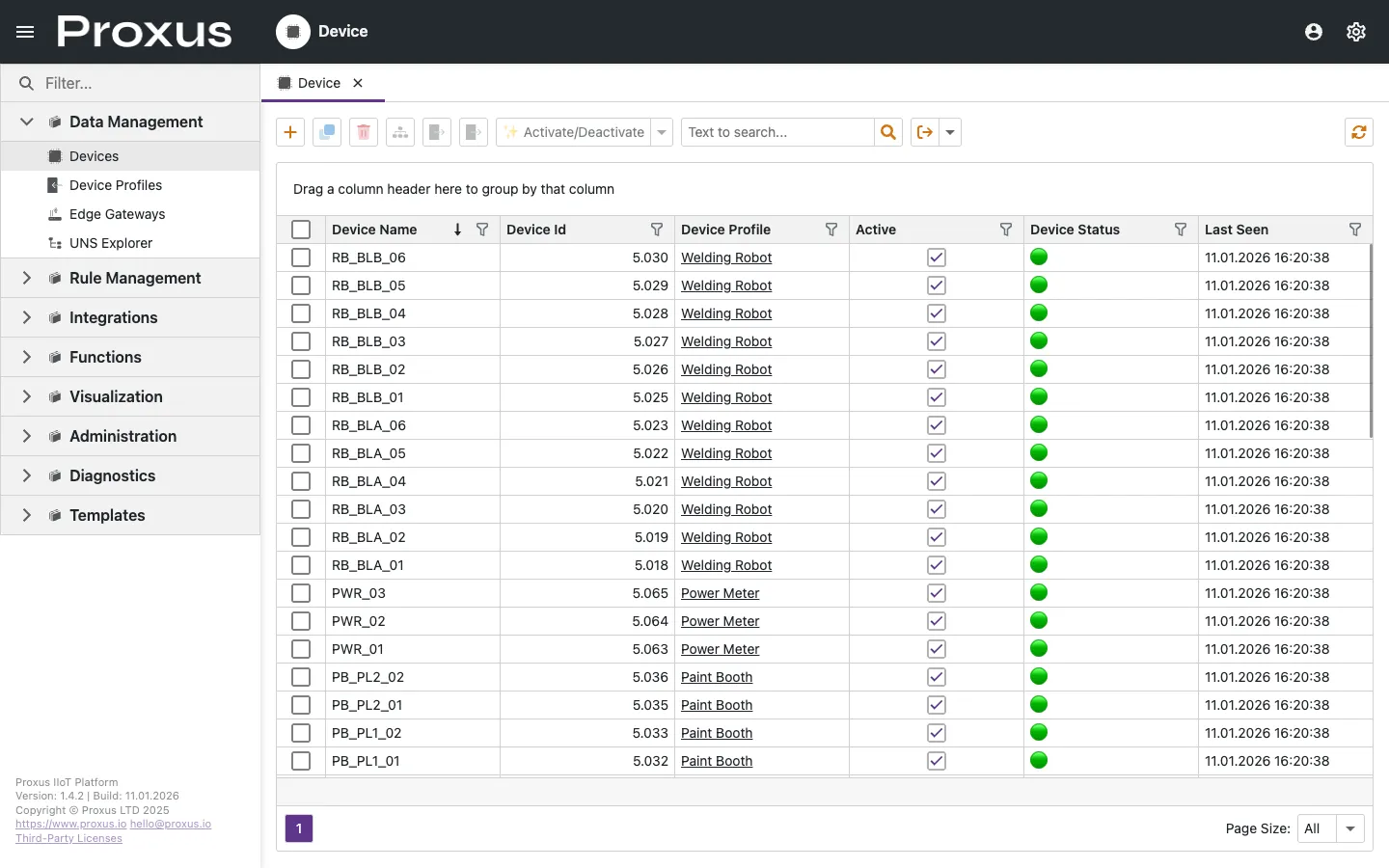
The Device Lifecycle Trio
Understanding how these three components interact is key to a successful deployment:
Device Profiles
The blueprint. Defines what tags to read and how they are structured.
Gateways
The execution engine. Manages the physical connection to the asset.
Devices
The digital twin. An instance of a Profile deployed on a specific Gateway.
Tag Browser
Visually browse OPC UA, SNMP, and MTConnect address spaces to discover tags.
How It Works
Define the Profile (The Model)
Before connecting a device, you create a Profile. This is where you define the communication protocol (e.g., Siemens S7, Modbus) and the specific memory addresses (tags) you want to monitor. Profiles are reusable templates.
Identify the Gateway (The Bridge)
Data collection happens on the edge. You must have a Gateway service running near the physical device. The Gateway acts as the bridge between the industrial protocol and the Proxus cloud/central server.
Instantiate the Device (The Twin)
Finally, you create a Device. You select a Profile, assign it to a Gateway, and provide the specific network parameters (like an IP address).
Once Activated, the Central Server sends the configuration to the Edge Gateway via the secure messaging layer, and data begins to flow.
Common Workflows
- Mass Deployment: Use the same Profile to connect hundreds of identical machines across different Gateways.
- Protocol Conversion: Collect data via Modbus and automatically publish it to the Unified Namespace (UNS).
- Health Monitoring: Track the connection status and success rates of every individual device in real-time.
For outbound routing, see how Targets and Transport Strategy work in Routing Data to Targets.