Platform · Unified Namespace
Every signal gets an address that means something.
Raw registers become modelled signals in one hierarchy (enterprise, site, area, process cell, equipment module, device, tag) with units, scaling and context attached. The same model on every site, so the second plant does not need a second vocabulary.
In the product
Browse the modelled hierarchy with live values and their trend.
Enterprise, site, area, process cell, equipment module, device and tag, expanded to the signal, with its current value, a short trend and its quality on the same row, and the full path one click away. This is where an engineer settles an argument about a number without opening three systems.

- Structure
- Enterprise / site / area / process cell / equipment module / device / tag
- Carries
- Value, unit, data type, quality and timestamp
- Reused through
- Device profiles shared by identical machines, on every site
- Consumed by
- Dashboards, integrations, reports and AI access: one definition, many readers
Give every signal a place.
A shared site, area and asset hierarchy makes industrial signals understandable to their consumers.
Inside Proxus
From a plant to a live signal to its history.
What it solves
What teams run into without it.
-
DB1.DBD0 is not a cycle time
Meaning lives in a spreadsheet or in one engineer’s head, so every new report starts with the same archaeology.
-
Every site names things differently
Two plants, two naming schemes, and any group-level comparison becomes a mapping exercise.
-
No agreed source of truth
When three systems each hold their own version of a value, the meeting is about whose number is right.
What you get
Built in, not bolted on.
-
Modelled hierarchy
An ISA-95-compatible structure that reflects the plant, not the wiring cabinet.
-
Browsable and searchable
Explore the namespace with the live value and last update on every node, and quality and targets in the detail panel.
-
Device profiles
Describe a machine type once (protocol, connection settings, tags); every device that uses the profile inherits it, so new lines start from the model instead of reinventing it.
-
Register to signal mapping
Scaling, units and data types applied at the point of collection, so consumers never have to guess.
-
Path-based permissions
Allow or deny access by namespace path, so a supplier or a team sees exactly the branch it should.
-
One definition, many consumers
Dashboards, integrations and AI access all read the same modelled signal instead of separate copies.
What this enables
What the capabilities add up to, in practice.
- Give every signal one address that means the same thing on every site
- Cut the archaeology out of every new report or integration
- Roll out a new site with a model instead of a naming argument
- Grant access by namespace branch rather than by database credential
Detail
Topic structure
Each gateway’s built-in MQTT broker publishes the namespace, one topic per value, so any authorised subscriber reads it in plant order.
MQTT and the UNS topics- Topic
- v1/<enterprise>/<site>/<area>/<process cell>/<equipment module>/<device>/telemetry/<tag>
- One site
- v1/Meridian/Lyon_Foods_Plant/#
- Payload
- JSON by default; Sparkplug B 3.0 is a setting on the gateway
Proven in production
Modelled once, reused across sites.
-
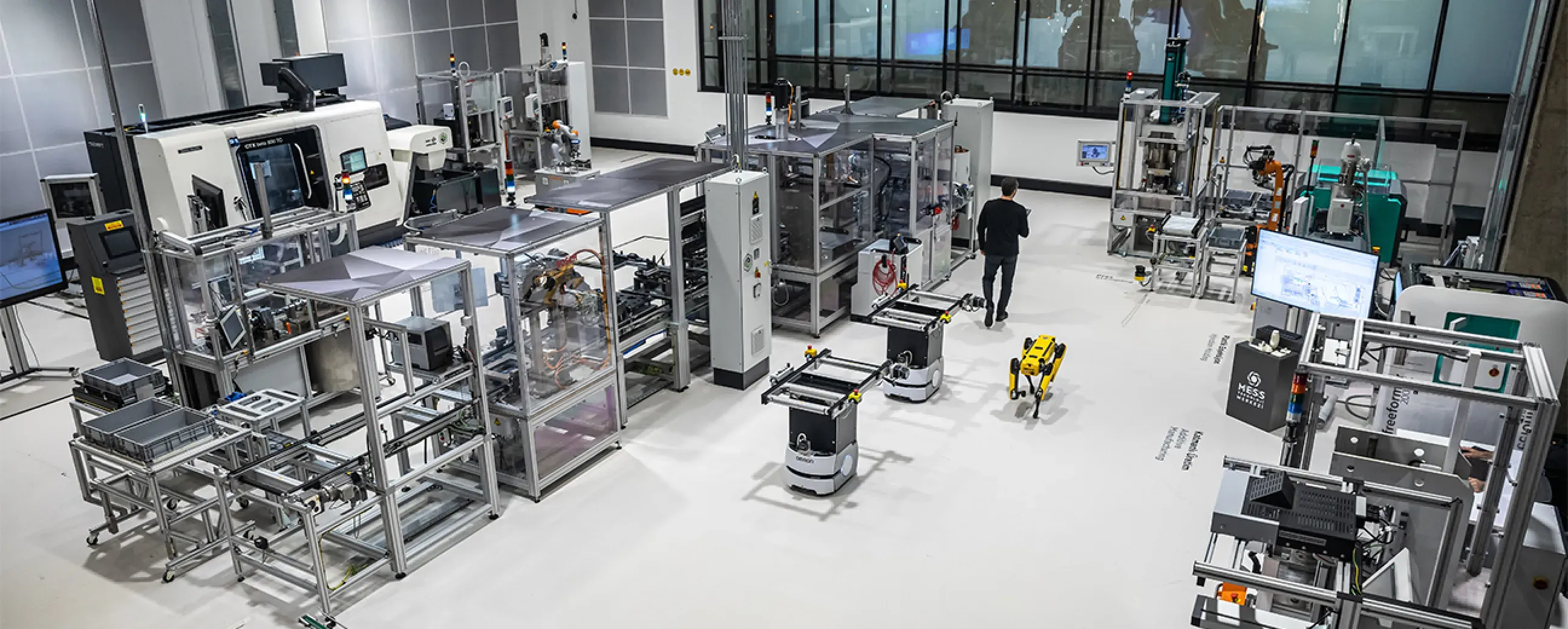
Manufacturing
Digital factory data management
MEXT Digital Factory
Read the case study -
Manufacturing
Edge deployment with SAP integration
Siemens
Ask us about this deployment -
Manufacturing
Unified Namespace with Oracle ERP
Pilenpak
Ask us about this deployment -

Mining & energy
Mining, fleet and solar on one platform
Kaltun Mining
Ask us about this deployment
- What is a Unified Namespace, in practical terms?
- One address space where every signal in the business has a single, meaningful name (enterprise, site, area, process cell, equipment module, device, tag) instead of each system holding its own naming scheme. Consumers subscribe to that structure rather than to individual machines.
- Does this follow ISA-95?
- The hierarchy is ISA-95-compatible in shape. You are not forced into it: the model is yours to define, and most plants find the ISA-95 levels map cleanly onto how they already talk about the site.
- How much modelling work is it to start?
- Start with one line. Model the machine types on it, and the second identical machine inherits the model through a template. The work is front-loaded per machine type, not per machine.
- What happens when we add a second site?
- It reuses the same model and templates. That is the main reason to model at all: the second plant should not need a second vocabulary, and group-level comparison should not need a mapping exercise.
- Can we restrict who sees which part of the namespace?
- Yes. Permissions are applied by namespace path, so a contractor, a supplier or a specific team can be given exactly one branch and nothing else.
Continue
- Platform Industrial connectivity Talk to the equipment you already have. Read more
- Platform Historian & analytics Keep the history, and be able to answer for it. Read more
- Platform AI Assistant and agent access Ask your plant. The AI Assistant proposes; you approve. Read more
Two numbers set your price: the gateways you run and the data rate they carry. See pricing
Next step
Point it at one of your lines.
The fastest way to judge a data layer is to watch it read your own equipment. Bring one machine and one destination system, and we will build the path in front of you.
- 01
Scoping call
Equipment, protocols, sites and the systems the data has to reach.
- 02
Technical walkthrough
A working demo against a scenario that resembles your plant, not a generic tour.
- 03
Pilot plan
A defined first line or site, with the deployment and security questions answered up front.
- 04
Roll-out
The same templates bring the next lines and sites online.