Platform · Connectivity
Talk to the equipment you already have.
Native drivers for the controllers, machines and standards on your floor. Define a source, choose the protocol, list the values you need, no PLC program changes and no per-machine middleware.
In the product
Add a machine step by step, and test it before anything is saved.
Pick the gateway and the protocol, test the connection from that gateway, paste the tag list from a datasheet and read every tag once. A wrong address shows here, not on site.

- Connects to
- 60+ protocols: PLCs, CNCs, robots, meters, OPC UA servers and devices that publish to the gateway’s built-in MQTT broker
- Configuration
- Source, protocol, register list, read interval, no code required
- Handled for you
- Polling, reconnection, change detection and per-tag quality
Connect the equipment. Keep the context.
Native connectivity brings signals from the plant floor into one industrial data platform.
What it solves
What teams run into without it.
-
One driver per destination
Historians, MES and cloud services each arrive with their own connector to install, secure and keep alive.
-
Vendor lock at the field layer
A gateway that speaks one vendor well and everything else badly turns every new machine into a project.
-
Nobody owns reconnection
Scripts collect happily until the switch reboots, and the gap is discovered weeks later in a report.
What you get
Built in, not bolted on.
-
Native protocol drivers
Siemens S7, Allen-Bradley, Mitsubishi, Omron, Beckhoff, Delta, LSIS, Modbus TCP (plus RTU and ASCII over TCP) and OPC UA.
-
Machines and robots
Fanuc (FOCAS over Ethernet), KUKA, Yaskawa, Haas and Heidenhain controllers, plus MTConnect for machine tools.
-
Browse before you configure
Browse OPC UA, MTConnect, SNMP and Allen-Bradley address spaces, then pick the tags you actually want.
-
Tags with meaning
Name, address, data type, scaling, unit and read interval per tag, the definition every downstream system inherits.
-
Connection health
Current status, last update and quality per device, so a silent source is visible before it becomes a data gap.
-
Templates for identical machines
Define a device profile once and apply it to every identical line, press or cell across sites.
What this enables
What the capabilities add up to, in practice.
- Onboard a new machine as configuration, not as an engineering project
- Keep one connection per device no matter how many systems consume it
- Reuse a device profile across identical lines, cells and sites
- Know which values are trustworthy right now, per device and per tag
Detail
Protocol coverage
The families teams ask about most. All 60+ protocols, grouped by vendor family, are in the driver list.
See all 60+ protocols- PLC
- Siemens S7 (1500, 1200, 300, 200) · Allen-Bradley CIP and PCCC · Mitsubishi MELSEC · Omron FINS and CIP · Beckhoff ADS · Delta · LSIS · Keyence · Panasonic
- Standards
- OPC UA · Modbus TCP, plus RTU and ASCII over TCP · MQTT (devices publish to the built-in broker) · SNMP
- Machines
- Fanuc (FOCAS over Ethernet) · KUKA · Yaskawa · Haas · Heidenhain · MTConnect
Coverage
Vendors we speak natively
Controllers, CNCs and robots with native drivers, no middleware in between.


















Standards and transports


Trademarks belong to their respective owners and are shown to indicate supported equipment and systems.
Proven in production
Connected in plants with mixed equipment vendors.
-
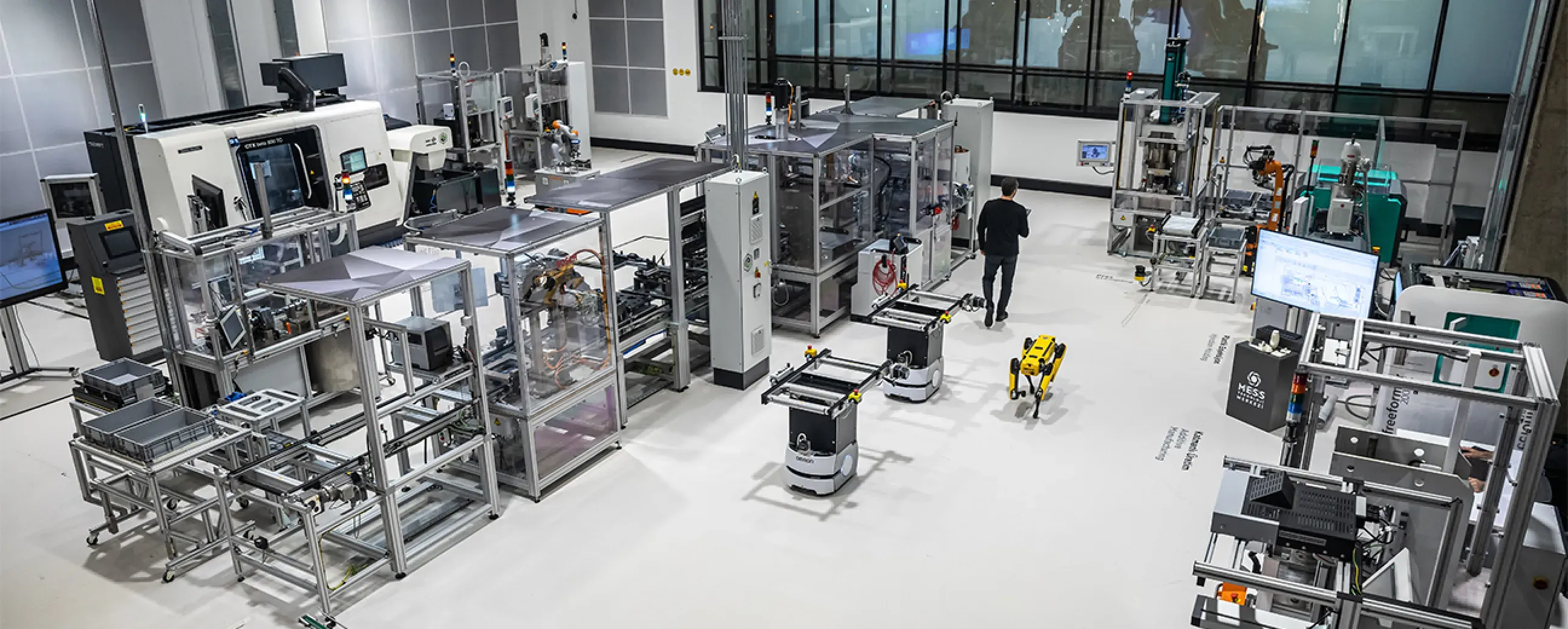
Manufacturing
Digital factory data management
MEXT Digital Factory
Read the case study -

Mining & energy
Mining, fleet and solar on one platform
Kaltun Mining
Ask us about this deployment -
Energy
Grid monitoring at the edge
CK Enerji
Ask us about this deployment -
Manufacturing
Unified Namespace with Oracle ERP
Pilenpak
Ask us about this deployment
- Do we need to change the PLC program to connect it?
- No. Proxus reads from the controller using its native protocol, the same way an HMI or SCADA client would. No blocks are added to the PLC program and no vendor engineering software is required at runtime.
- What if a machine speaks a protocol you do not list?
- Most equipment exposes at least one of OPC UA, Modbus TCP or MQTT (publishing to the gateway’s built-in broker), which covers the majority of brownfield cases. Where it does not, custom sources can be added through the SDK. Bring the model number to the scoping call and we will tell you which path applies.
- How are tags defined: one at a time?
- You can define them manually, browse them from the device where the protocol supports it (OPC UA, MTConnect, SNMP, Allen-Bradley), or apply a device profile so an identical machine inherits the whole tag list at once.
- What happens when a device goes offline?
- The connection state is visible per device, reconnection is handled automatically, and values carry a quality flag so downstream consumers can tell a stale reading from a fresh one.
- Can two systems read the same machine without doubling the load?
- Yes, that is the point of collecting once. Proxus polls the device on a single schedule and every consumer reads the resulting modelled signal, instead of each system opening its own connection.
Continue
- Platform Edge runtime Decide at the line, not three systems later. Read more
- Platform Unified Namespace Every signal gets an address that means something. Read more
- Platform Integrations & targets Deliver to the systems you already run. Read more
Two numbers set your price: the gateways you run and the data rate they carry. See pricing
Next step
Check your equipment before the first call.
Send the controllers, CNCs and meters you run, with models where you have them. An engineer checks each one against the driver list and tells you what connects natively.
-
Scoping call
Equipment, protocols, sites and the systems the data has to reach.
-
Technical walkthrough
A working demo against a scenario that resembles your plant, not a generic tour.
-
Pilot plan
A defined first line or site, with the deployment and security questions answered up front.
-
Roll-out
The same templates bring the next lines and sites online.