Solutions · OEE
Line performance from real signals, not a clipboard.
Availability, performance and quality calculated from the machine’s own data, identically on every line, so the number on the floor and the number in the monthly report are the same number.
- Collected from
- Cycle counters, machine states, reject counts and downtime signals
- Calculated
- At the edge, by the built-in OEE tracker function template, the same way on every line and site
- Delivered as
- Floor dashboards, scheduled reports and feeds to MES or BI
From machine states and counters to the OEE figure.
Run states, counts and rejects are read at the line; availability, performance and quality are calculated the same way on every line.
The shift
What actually changes.
How it works today
- Availability and downtime are typed in at the end of a shift
- Every line counts a cycle slightly differently
- Yesterday’s performance is discussed at tomorrow’s meeting
- The report and the screen disagree, and the meeting is about which is right
With Proxus
- Counters, states and rejects read directly from the controller
- One calculation per machine type, applied to every instance
- The current shift is visible while it is still running
- Screen and report read the same modelled signals
How it plays out
A typical sequence, step by step.
An illustrative sequence, not a customer story: written to show the shape of the work rather than to claim a result. Your equipment, sites and systems decide the detail.
-
06:00
Shift starts
The line view shows state, current rate and the target for the shift, drawn from the machines themselves.
-
09:12
Rate drifts
Cycle time creeps up on one station. The supervisor sees it on the floor screen, not in a weekly summary.
-
09:20
Stoppage with its context
The stop is captured with its machine state and the values around it, instead of a duration typed in later.
-
14:00
Shift summary
The built-in Shift and Daily Summary report shows a signal per shift from the same data, and a scheduled delivery emails it without a manual export.
What Proxus does here
The working parts behind it.
-
Cycle and state capture
Read counters and machine states directly, at an interval that matches the process.
-
One calculation, at the edge
The built-in OEE tracker function template turns production counters into availability, performance, quality and OEE on the gateway. Deploy the same function to each line’s gateway instead of re-inventing the formula per line.
-
Downtime with context
Stoppages captured with the signals around them, not just a duration.
-
Floor and management views
Live line status for operators, aggregated performance for management.
-
Scheduled reporting
Recurring reports from the same data, delivered without a manual export.
-
History that supports analysis
Full-resolution history behind the summary, for when a bad week needs explaining.
Deployment scope
What a first deployment involves.
- You connect
- Cycle counters, machine states, reject counts and planned time
- You get
- Live line views, per-shift summaries and comparable figures across lines
- You reuse
- One device profile per machine type and one OEE calculation across every site
- You feed
- MES, BI or management reporting from the same figures
What this enables
- Compare lines and sites that previously counted differently
- React during the shift rather than at tomorrow’s morning meeting
- Replace hand-entered downtime with timing from the machine
- Feed the same figures to MES, BI and management reporting
Proven in production
Running in production at these plants.
-
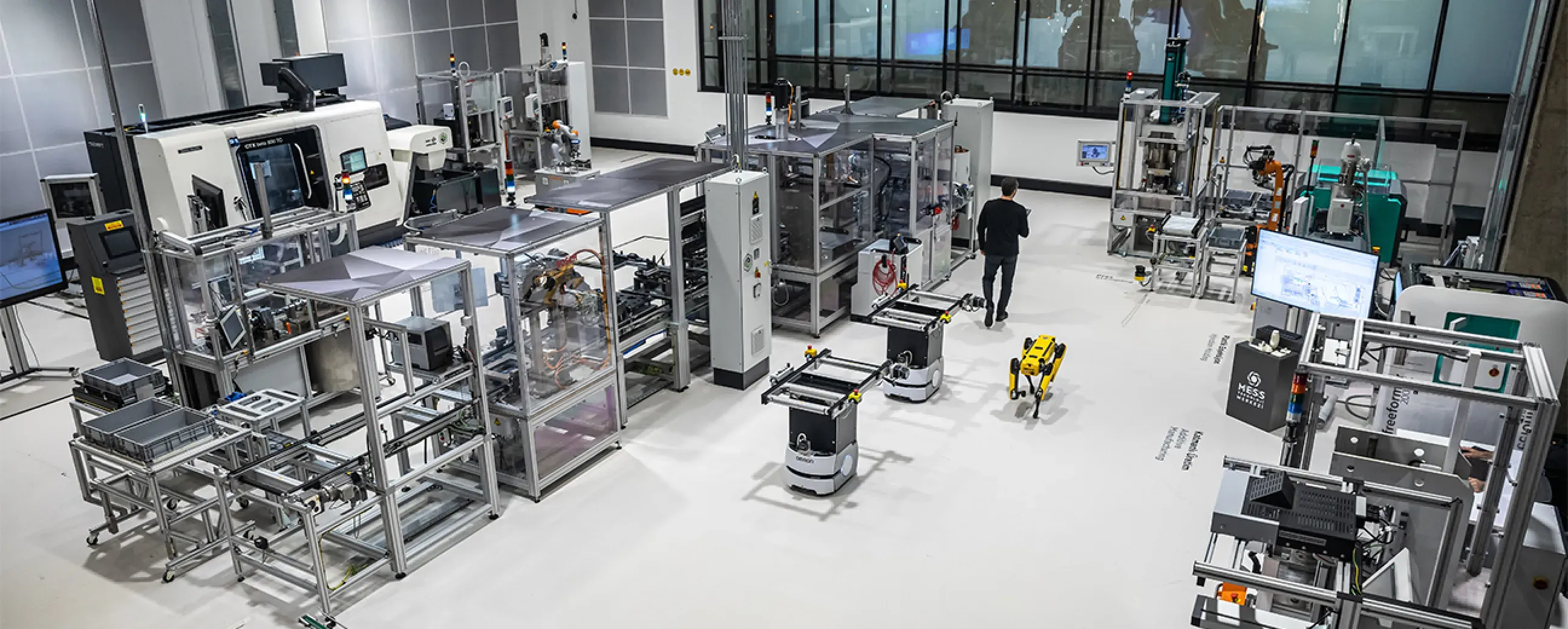
Manufacturing
Digital factory data management
MEXT Digital Factory
Read the case study -

Manufacturing
Edge deployment with SAP integration
Siemens
Ask us about this deployment -

Manufacturing
Unified Namespace with Oracle ERP
Pilenpak
Ask us about this deployment -
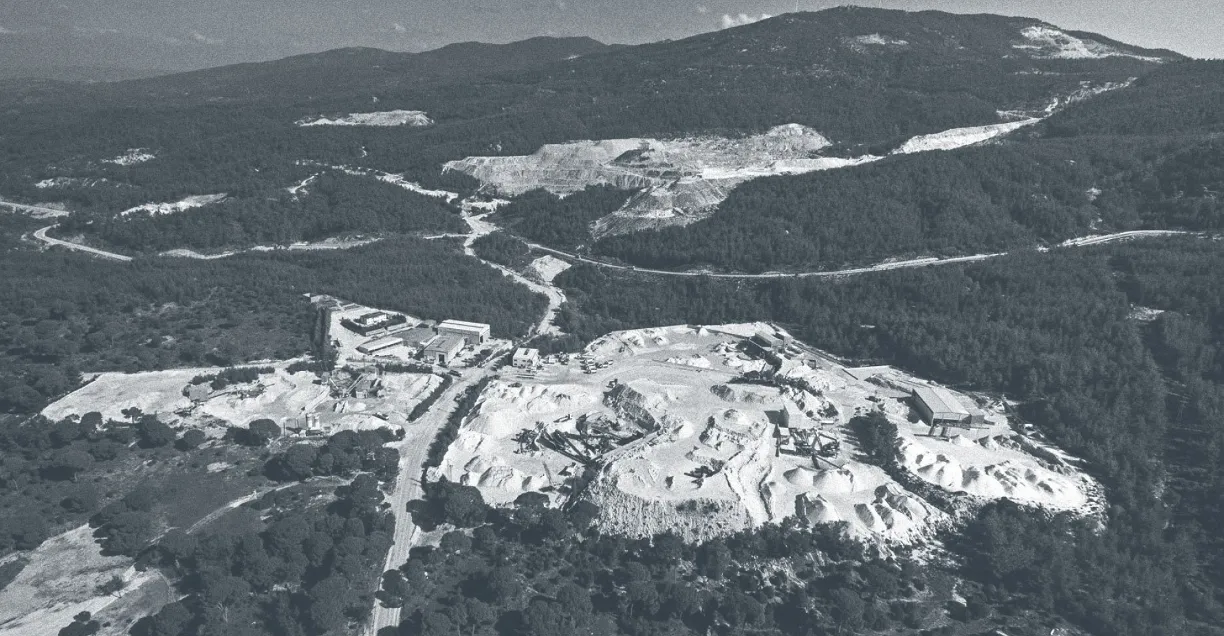
Mining & energy
Mining, fleet and solar on one platform
Kaltun Mining
Ask us about this deployment
Questions
What teams ask before starting.
- Can you calculate OEE if the machines do not report it?
- Yes, in most cases. OEE is derived from availability, performance and quality, which can be built from cycle counts, machine states, planned time and reject counts, signals most controllers already expose.
- How are downtime reasons captured?
- From the machine states and fault codes the equipment reports. The point is that the timing comes from the machine, not from memory.
- Will our lines be comparable to each other?
- They are comparable when they share a model. That is why the calculation lives in a template applied per machine type rather than being rebuilt per line.
- Can OEE go to our existing MES or BI tool?
- Yes. The calculated figures are signals like any other and can be delivered to a database, a broker or a REST endpoint.
Next step
Start with one line, not a programme.
Pick the line that causes the most arguments about numbers. We will scope what it takes to make that one trustworthy, and what the second and tenth would cost in effort.
- 01
Scoping call
Equipment, protocols, sites and the systems the data has to reach.
- 02
Technical walkthrough
A working demo against a scenario that resembles your plant, not a generic tour.
- 03
Pilot plan
A defined first line or site, with the deployment and security questions answered up front.
- 04
Roll-out
The same templates bring the next lines and sites online.
Tell us about your plant
A Proxus engineer replies within one working day.
Rather look around first? Try the live demo