01
Connect
Talk to the equipment as it is.
Native drivers for PLCs, CNCs, robots, meters and OPC UA servers, plus devices that publish to the gateway’s built-in MQTT broker. No PLC program changes, no per-machine middleware.
Platform
Proxus collects from the equipment you already run, gives every signal a modelled address, governs who can see it, and delivers it wherever the work happens, without a separate integration per system.
How the data moves
Proxus is not a driver pack and not a dashboard tool. It is the layer where industrial data is collected, given meaning, governed and delivered, so the same pipeline serves operations, IT and AI.
Talk to the equipment as it is.
Native drivers for PLCs, CNCs, robots, meters and OPC UA servers, plus devices that publish to the gateway’s built-in MQTT broker. No PLC program changes, no per-machine middleware.
Turn tags into assets.
Map raw registers to named signals with units, scaling and asset context, then publish them into a Unified Namespace that stays identical across every site.
Know what happened, and why.
Role-based access, an audit trail of configuration changes, edge buffering with store-and-forward, and operational logs per gateway.
Put the data to work.
Built-in historian, dashboards and reports for plant teams; streaming and database targets for IT; Copilot answers from live plant data and proposes changes you approve.
Working surfaces
Connectivity, edge processing, the namespace, rules, functions, dashboards, delivery and Copilot. Explore the operating views and the architecture behind them.
Industrial connectivity
Connect PLCs, CNCs, robots, meters and OPC UA servers, then define the tags you need and how often they are read.
Explore connectivityAt the line
Collect, transform and buffer at the line. Evaluate rules, detect anomalies and run your own functions before the data moves.
Explore edge runtimeUnified Namespace
Browse every signal by enterprise, site, area, process cell, equipment module and device, with the live value and last update on every node.
Explore unified namespaceRules and alarms
Evaluate live values against conditions, raise alarms and trigger downstream actions without a separate SCADA layer.
Explore rules
Custom logic
Extend the pipeline with your own C# functions when a standard block is not enough.
Explore functionsConceptual architecture
Visualization
Operational views and scheduled reports for plant and management teams, built on the same governed data.
Explore dashboardsIT and OT delivery
Deliver modelled data to databases, message brokers, cloud services and business systems, per target and per strategy.
Explore integrationsAI Copilot
Ask in plain words from any screen (Ctrl+K): why a device is silent, what changed, which alarms are open. Copilot reads the live namespace with your permissions and proposes rules and changes on a card. A change is applied only after you approve it, and the audit trail records it under your name.
Explore copilotCapabilities
The parts teams configure first, with the equipment and the systems they already run.
Define a source, pick the protocol, list the registers you need and choose how often they are read. Proxus handles polling, reconnection and value change detection so equipment integration stops being a scripting project.
Read moreEvaluate rules on live values, raise alarms, run statistical anomaly detection and extend behaviour with C# functions when a standard block is not enough. Results are buffered locally and forwarded when the link returns.
Read moreSignals are published into an ISA-95-shaped hierarchy (enterprise, site, area, process cell, equipment module, device, tag) with units, scaling and metadata attached. New sites reuse the same model instead of inventing another naming scheme.
Read morePlant teams get dashboards, reports and alarms out of the box. IT gets the same governed data pushed into the systems they already run, with per-target transport strategies such as pass-through or on-change.
Read moreProxus Copilot is built into the hub and answers from live plant data with the asking user’s permissions. Changes come back as proposals you approve. Your own AI agents reach the same governed model through an MCP server, under the same roles and audit trail.
Read moreArchitecture
One deployment model scales from a single host to a multi-site fleet reporting into a central hub, without changing how the data is modelled or who is allowed to see it.
Proven in production
Manufacturing
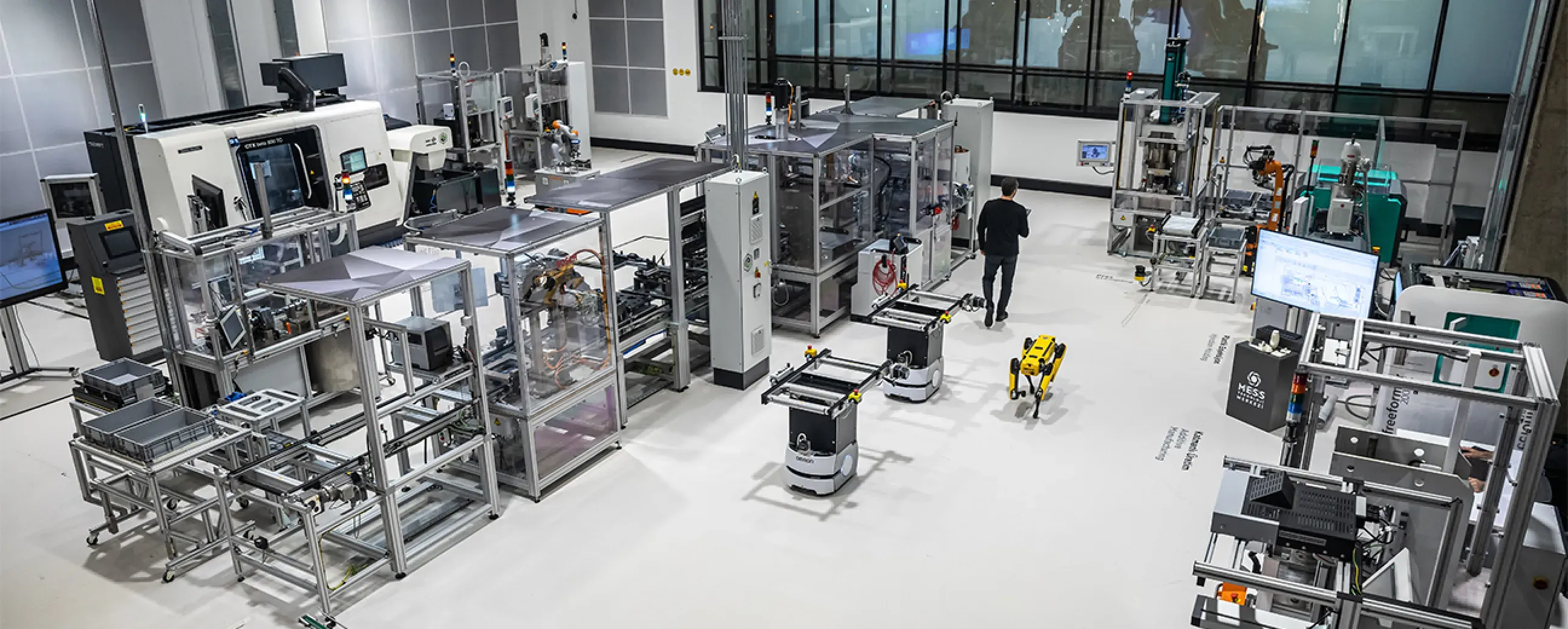
Digital factory data management
MEXT Digital Factory
Read the case study
Mining & energy
Mining, fleet and solar on one platform
Kaltun Mining
Ask us about this deployment
Energy
Grid monitoring at the edge
CK Enerji
Ask us about this deployment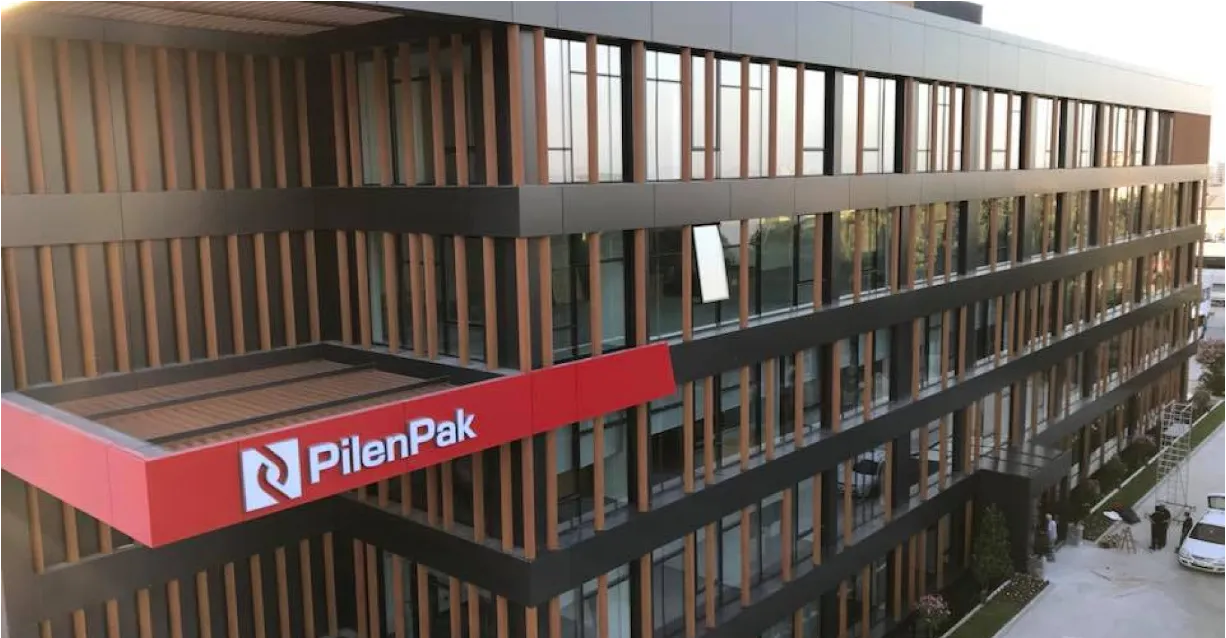
Manufacturing
Unified Namespace with Oracle ERP
Pilenpak
Ask us about this deploymentOn-premises, private cloud or air-gapped. Plant data does not have to leave your network.
Users, roles and object-level permissions across configuration, live data, screens and APIs.
TLS on every link: edge to hub, the hub’s own services, the built-in MQTT broker and outbound integrations, with certificates from the built-in CA or your corporate CA.
Configuration changes are recorded in the audit trail, and pipelines keep revisions you can compare.
Next step
The fastest way to judge a data layer is to watch it read your own equipment. Bring one machine and one destination system, and we will build the path in front of you.
Equipment, protocols, sites and the systems the data has to reach.
A working demo against a scenario that resembles your plant, not a generic tour.
A defined first line or site, with the deployment and security questions answered up front.
The same templates bring the next lines and sites online.