Solutions · Plant operations
Live context where the work happens.
Line status, alarms and performance visible on the floor, from the machines themselves, so a shift can react during the shift instead of reading about it later.
- Shows
- Line status, current values, open alarms and devices that stopped sending
- Sourced from
- The machines themselves, not hand-entered summaries
- Available
- On the floor, on screens people already look at
What the shift needs, on the screen at the line.
Line status, open alarms and the values behind them reach the floor while the shift can still act.
The shift
What actually changes.
How it works today
- A problem visible in data at 09:00 is discussed the next morning
- The SCADA view, the report and the spreadsheet each say something different
- Alarms without context become background noise
- Handover is written from memory at the end of a shift
With Proxus
- Live line status on the screens people already look at
- One set of modelled signals behind every view
- Alarms arrive with the asset and the values behind them
- Per-shift summaries come from the same data, on a schedule
How it plays out
A typical sequence, step by step.
An illustrative sequence, not a customer story: written to show the shape of the work rather than to claim a result. Your equipment, sites and systems decide the detail.
-
Shift start
Line status at a glance
State, current values and open alarms for the lines this shift is responsible for.
-
Mid-shift
Something changes
A value moves out of band. The alarm names the asset and shows the surrounding readings.
-
Response
Act on it now
The team intervenes during the shift rather than reading about it in a weekly review.
-
Handover
The report writes itself
Output, stoppages and events for the shift are already recorded and ready to pass on.
What Proxus does here
The working parts behind it.
-
Live operational views
Line and cell status built from modelled signals, refreshed continuously. OEE per line has its own page.
Machine and OEE visibility -
Alarms with the reason
What triggered, on which asset, with the values around it.
-
Alarms someone owns
Acknowledging an alarm takes it; resolving it asks how it was fixed. The next shift sees who did what, instead of hearing it at the handover.
-
The right view per role
Operators, supervisors and managers see what belongs to them.
-
Shift summaries
Per-shift summaries from the same data, emailed on a schedule instead of exported by hand.
-
Trustworthy values
Quality flags make it clear when a reading should not be acted on.
Deployment scope
What a first deployment involves.
- You see
- Line and cell status, current values, alarms and shift performance
- You trust
- Quality flags that show when a reading should not be acted on
- You show it
- In a browser, on the screens already on the floor
- You receive
- Shift and handover reports without a manual copy
What this enables
- See a problem while the shift can still do something about it
- Give every screen on the floor the same version of the truth
- Make alarms worth reacting to by attaching the reason
- Produce handover and shift reports without a manual copy
In the product
What needs attention, across every site, in one screen
An open alarm with how long it has been unacknowledged, devices that stopped sending data, fleet health per site and the live pipeline. Acknowledge, open or check without leaving the page.
Local product environment with simulated data.

Proven in production
On the floor, during the shift.
-
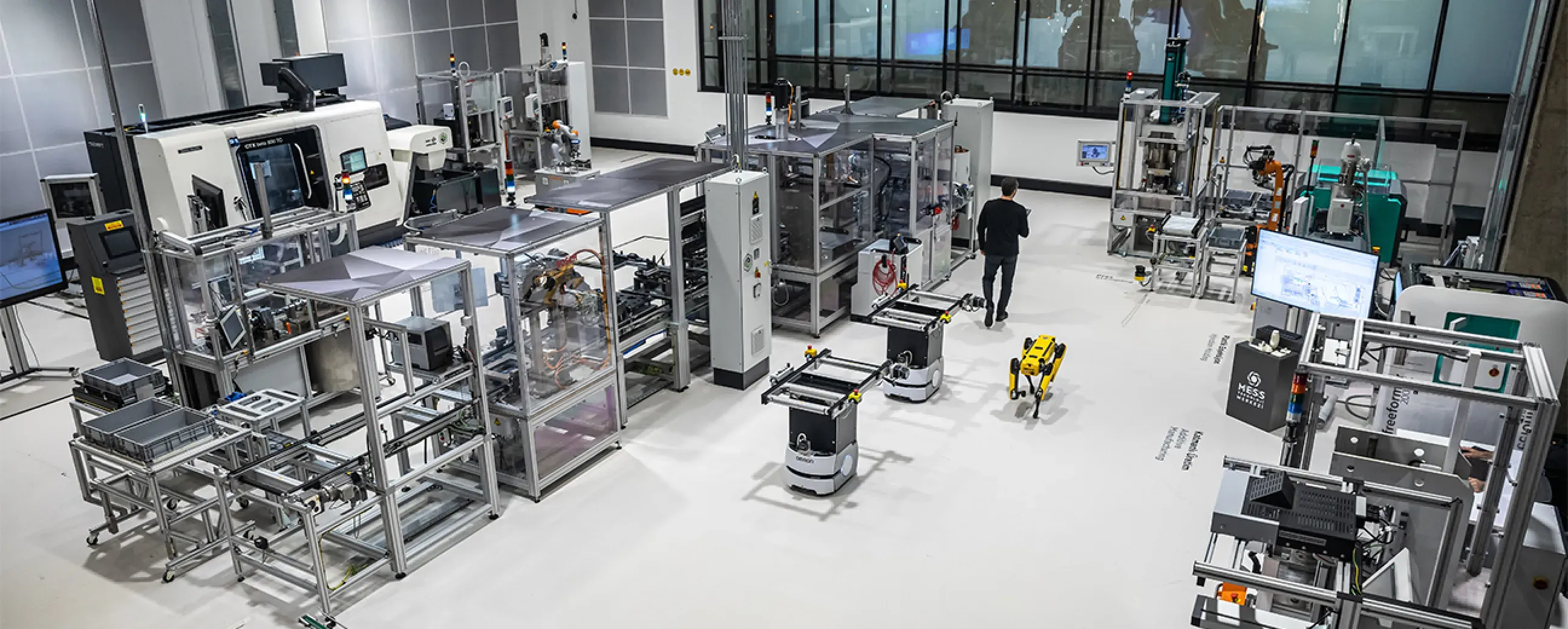
Manufacturing
Digital factory data management
MEXT Digital Factory
Read the case study -
Manufacturing
Edge deployment with SAP integration
Siemens
Ask us about this deployment -
Manufacturing
Unified Namespace with Oracle ERP
Pilenpak
Ask us about this deployment -

Mining & energy
Mining, fleet and solar on one platform
Kaltun Mining
Ask us about this deployment
Questions
What teams ask before starting.
- Do operators need training?
- For viewing, no: the dashboards are built around how the line is already discussed. Configuring sources and models is a different role with a different level of access.
- Can we show this on existing screens?
- Yes. Views run in a browser, so any screen on the floor that can display a browser can show them.
- How current is the data on screen?
- It reflects the collection interval you configured for those signals. If a value is stale or the source is unhealthy, the quality flag makes that visible instead of showing a confident wrong number.
- Can shift handover reports be automated?
- Yes, scheduled reports are produced from the same data, so the handover document stops being a manual copy exercise.
Next step
Start with one line, not a programme.
Pick the line that causes the most arguments about numbers. We will scope what it takes to make that one trustworthy, and what the second and tenth would cost in effort.
- 01
Scoping call
Equipment, protocols, sites and the systems the data has to reach.
- 02
Technical walkthrough
A working demo against a scenario that resembles your plant, not a generic tour.
- 03
Pilot plan
A defined first line or site, with the deployment and security questions answered up front.
- 04
Roll-out
The same templates bring the next lines and sites online.
Tell us about your plant
A Proxus engineer replies within one working day.
Rather look around first? Try the live demo