Platform · Architecture
Built like plant infrastructure, explained like a drawing.
Two tiers, one model, and a deliberate answer for the day the network fails. This page describes how the platform is put together and why, without the vendor names underneath, which are an implementation detail and change over time.
- Shape
- Hub and spoke: one central platform, many autonomous gateways
- Configuration
- Defined centrally, executed at the edge. Gateways keep no configuration of their own
- Offline behaviour
- Collection, rules and buffering continue without the hub
- Scales from
- From a single host to a multi-site fleet, without changing the model
The whole system
Four layers, and what travels between them.
Enterprise
Systems Proxus delivers into
-
MES / ERP / QMS
business systems
-
Cloud & warehouse
analytics platforms
-
BI tools
where teams already work
-
Brokers & streams
event consumers
-
AI assistants
governed, permission-limited access
Hub
Model, history, screens and administration
-
Unified Namespace
one address per signal
-
Historian
telemetry and logs
-
Dashboards
built in, same data
-
Reports
scheduled, in platform
-
Orchestration
deployment manifests
-
Access control
roles and paths
Edge gateway
Configuration from the hub, buffer at the site
-
Collect
poll and receive MQTT
-
Evaluate
rules and anomalies
-
Functions
your own logic
-
Buffer
store and forward
-
Publish
namespace and MQTT
Plant floor
Controllers, machines and meters
-
PLCs
S7, CIP, MELSEC
-
CNC & robots
FOCAS, MTConnect
-
Meters & SCADA
Modbus, OPC UA
-
OPC UA servers
existing estate
-
MQTT devices
publish to the built-in broker
Division of labour
What each tier is responsible for.
The split is deliberate: decisions that must survive a network outage happen at the edge, decisions that must be consistent across sites happen centrally.
The hub
Where the truth is defined.
-
Single source of truth
Device profiles, rules, functions and delivery targets are defined once, centrally. Nothing is configured on a gateway directly.
-
Orchestration
The hub decides which gateway runs which workload and hands it a deployment manifest: the current job list for that gateway.
-
Central history
Telemetry from every gateway is collected and retained centrally, in a store built for time-series volume.
-
Management console
One window into every connected site: configuration, live values, dashboards, reports and operational logs.
-
Health monitoring
Heartbeats and metrics from every gateway, so a silent site is visible before someone notices the missing data.
The gateways
Where the work is done.
-
Acquisition
Reads controllers, machines, meters and OPC UA servers over their own protocols, at the interval each signal needs.
-
Local execution
Rules, anomaly detection and custom functions evaluate on the gateway, without waiting for the hub to answer.
-
Buffering
What cannot be delivered, to the hub or to any outbound target, is held locally and written in order when the link returns.
-
Local publication
The modelled namespace is published from the gateway itself, so plant-side consumers do not depend on the centre.
-
No local configuration
A gateway keeps no configuration of its own. Replacing one is a hardware task, not a rebuild.
The path a value takes
From a register to a decision, in ten steps.
This really is a sequence, so it is numbered. Every step is something the platform does on its own once the first one is done by a person.
- 01
Configure centrally
Someone defines a device, a rule or a delivery target in the management console. This is the only place configuration is authored.
- 02
Distribute to the gateway
The change travels to the right gateway over a durable, replayable backbone. If the gateway is offline it receives the change when it returns; the platform tracks delivery rather than assuming it.
- 03
Start the workload
The gateway receives its manifest and starts the collection and messaging work it describes.
- 04
Read the equipment
Values arrive by polling a controller or by devices publishing to the gateway’s own MQTT broker. Every path is authenticated.
- 05
Detect what changed
An orchestration step decides what is new and routes it: to rule evaluation, to delivery targets, or to both.
- 06
Evaluate locally
Cached rules run against the value, and anomaly detection runs live: Z-score, IQR, moving average, rate of change, drift, flatline and gap.
- 07
Publish the modelled signal
The value is published into the namespace under its asset path, in the platform’s own topic form and in Sparkplug B where enabled, with delivery quality rules applied.
- 08
Deliver outward
Configured targets receive it (databases, brokers, cloud services, business systems) and the outcome of each delivery feeds the target’s status.
- 09
Store centrally
The hub receives the stream, retains telemetry and operational records, and publishes to an internal stream for live views.
- 10
Show it without a refresh
Live values, status and trends reach the console through a cache fed by that stream, so screens update as data arrives.
When the link drops
The part most architectures leave for later.
Industrial networks fail. The question is not whether the platform survives it, but what it is doing while it lasts and what it does about it afterwards.
-
The line keeps producing data
Collection and rule evaluation are local. A network outage stops delivery, not measurement.
-
Delivery is tracked, not assumed
Configuration delivery and outbound delivery both carry state. "Sent" and "acknowledged" are different things and the platform treats them that way.
-
Recovery is automatic
When the link returns, buffered data is forwarded and the gateway reconciles with the hub. Nobody has to remember what was pending.
-
Hardware failure is a swap
Because the gateway keeps no configuration of its own, the replacement is installed with a new command from the hub and pulls the same devices, rules and functions.
Governance in the architecture
Decisions that are structural, not settings.
-
One address per signal
Signals are published under an ISA-95-shaped path (enterprise, site, area, process cell, equipment module, device, tag) so the same value has the same address at every site.
-
Permissions enforced server-side
Access is checked in the service layer, not only in the interface. Bypassing the screen does not bypass the rule.
-
Operational logs stay readable
Customer-facing logs carry a safe summary, severity, reason code, source and occurrence count. Repeated events are grouped rather than repeated.
-
Diagnostic evidence is separated
Stack traces, absolute paths and raw payloads live in support bundles for the team investigating, not on an operator’s screen.
-
Query access is constrained
Reporting and dashboard SQL paths enforce read-only, single-statement queries through one shared guard.
-
Alerts you can look back on
Anomaly detection runs live at the edge. The trend workspace shows the stored alert moments, so a flagged deviation can be read against the history around it.
- Single host
- Hub and one gateway on the same machine. Evaluation, a demonstration, or a small single-line site.
- Site and centre
- Gateways at each site connecting to a central hub over a durable, replayable stream.
- Fleet
- Many gateways across many sites, each with its own identity and capacity, all visible centrally.
- Air-gapped
- The whole platform inside an isolated network, with no outbound requirement at any layer. Images are loaded offline.
How it is built
One codebase, not a bundle of other products.
A lot of industrial platforms are an assembly: a flow tool, a dashboard tool, a broker and a database, packaged together and called one product. Every seam in that assembly is a version to reconcile, a process to supervise and a failure mode nobody owns. Proxus is written as one system, which is why the footprint at the edge stays small.
-
One gateway process at the line
Drivers, rule evaluation, anomaly detection, its MQTT broker and every outbound client run in one gateway process, not as separate applications supervised together. A messaging container next to it holds the local buffer.
-
One script, two pieces
A site needs the gateway process and the messaging container that holds its buffer, set up by one install script. Configuration comes from the hub. No database at the edge and no runtime to provision by hand, which is what makes an industrial PC a reasonable host.
-
Built for the hot path
Binary internal messaging rather than JSON, an actor-based runtime, allocation-aware libraries and workstation garbage collection. Built on .NET.
-
Infrastructure only where it belongs
The hub uses a transactional store, a columnar store and a durable message backbone, the things infrastructure is genuinely good at. The application layer above them is ours, not an assembly of other people’s applications.
These are architectural properties you can verify in a running deployment. We do not publish throughput or latency figures without the hardware, workload and measurement boundary that would make them mean something. Ask for a scoping call and we will size it against your own data rate.
Proven in production
Running in this shape, in production.
-
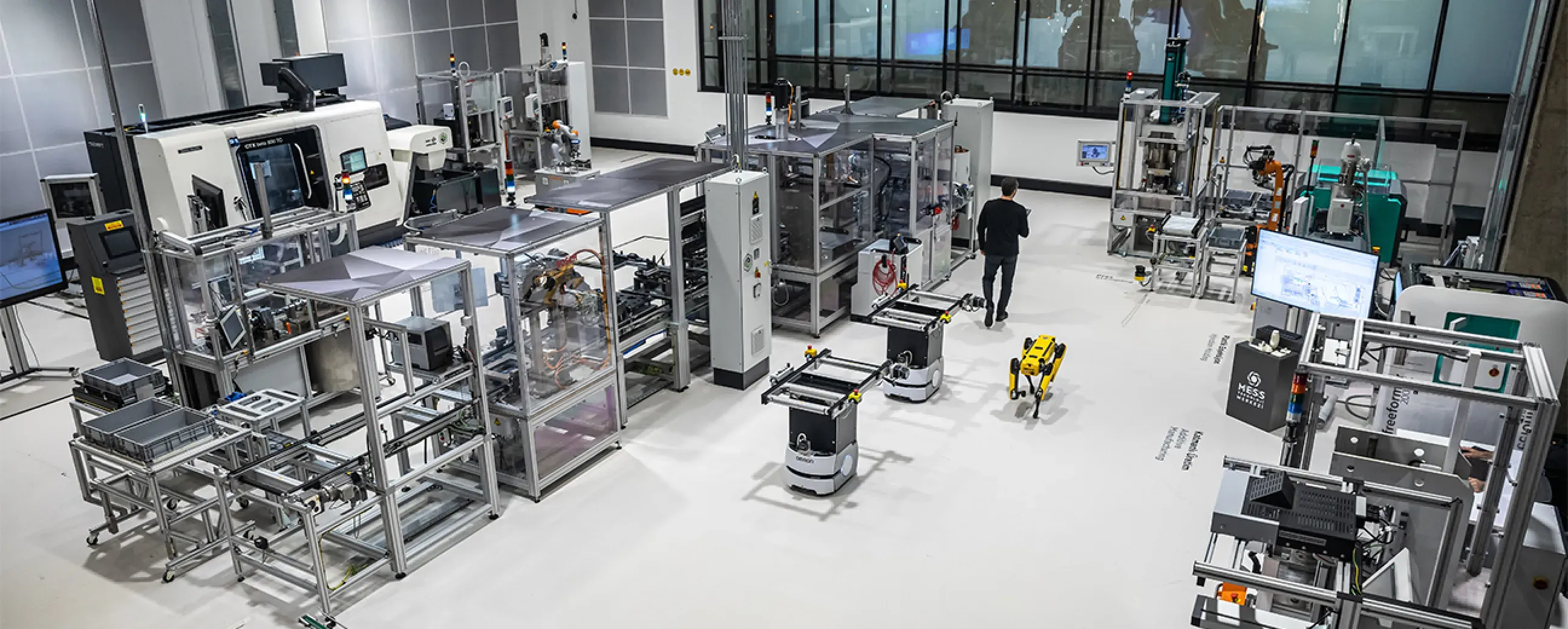
Manufacturing
Digital factory data management
MEXT Digital Factory
Read the case study -

Mining & energy
Mining, fleet and solar on one platform
Kaltun Mining
Ask us about this deployment -

Energy
Grid monitoring at the edge
CK Enerji
Ask us about this deployment -
Manufacturing
Unified Namespace with Oracle ERP
Pilenpak
Ask us about this deployment
Next step
Walk the architecture against your own topology.
Bring your sites, your network constraints and the systems that have to receive the data. An engineer will draw it with you, tell you where it gets difficult, and send you the deployment and security brief beforehand.
- 01
Scoping call
Equipment, protocols, sites and the systems the data has to reach.
- 02
Technical walkthrough
A working demo against a scenario that resembles your plant, not a generic tour.
- 03
Pilot plan
A defined first line or site, with the deployment and security questions answered up front.
- 04
Roll-out
The same templates bring the next lines and sites online.