Platform · Historian
Keep the history, and be able to answer for it.
Telemetry and operational logs are stored in a columnar store built for volume, with retention you set and query access for the people who need to look further back than the last shift.
In the product
From a live value to its history in one click.
Every signal in the namespace opens into its recorded trend with last, average, minimum and maximum for the range. The film below follows a mixer's motor current from the tree into its history.

- Stores
- Modelled telemetry, alarms and operational logs
- Retention
- Set per deployment for telemetry and logs; telemetry is kept until you set a limit
- Query access
- Read-only, single-statement queries from the product, plus reporting sources
- Stays
- Inside your infrastructure, history does not move to a vendor cloud
Collected once, kept as long as you decide.
Every modelled value goes into the historian with its timestamp and quality. How long it stays is a setting, not a surprise.
Inside Proxus
From a plant to a live signal to its history.
What it solves
What teams run into without it.
-
History lives in five places
A SCADA archive, a spreadsheet export and a cloud bucket that each cover a different period and disagree at the edges.
-
Analysis blocked by access
The data team cannot get to production history without asking someone to run an export by hand.
-
Storage that grows without a plan
Nobody set a retention policy, so the cost curve is discovered rather than decided.
What you get
Built in, not bolted on.
-
Columnar telemetry store
Built for high-volume time series, with bulk ingestion and compression suited to plant data rates.
-
Retention policies
Set how long telemetry and logs are kept, per deployment. Telemetry is kept until you set a limit.
-
Trend Workspace
Any tag’s recorded history with last, average, minimum and maximum for the range, exported to CSV or Excel. Read-only SQL for dashboards and reports: one statement, write keywords refused.
-
Reporting sources
Reports and dashboards read from the same store, so an operational view and a monthly report read the same numbers.
-
Operational logs
Operational logs per gateway and an audit trail of configuration changes: the evidence behind a number.
-
Export when needed
Send results to spreadsheets or downstream tools without opening database credentials to everyone.
What this enables
What the capabilities add up to, in practice.
- Answer questions that reach further back than the last shift
- Set retention deliberately instead of discovering the cost curve
- Let the data team investigate without a hand-run export
- Recalculate a derived figure from raw history when a model changes
Detail
What gets stored
- Telemetry
- Modelled tag values with timestamp, quality and source
- Alarms and events
- Rule and anomaly outcomes with the context that triggered them
- Operational logs
- Collection, transformation and delivery activity per gateway
- Configuration history
- Pipeline revisions you can compare, and an audit trail of every other configuration change
Proven in production
Holding history for plants that have to answer for it.
-
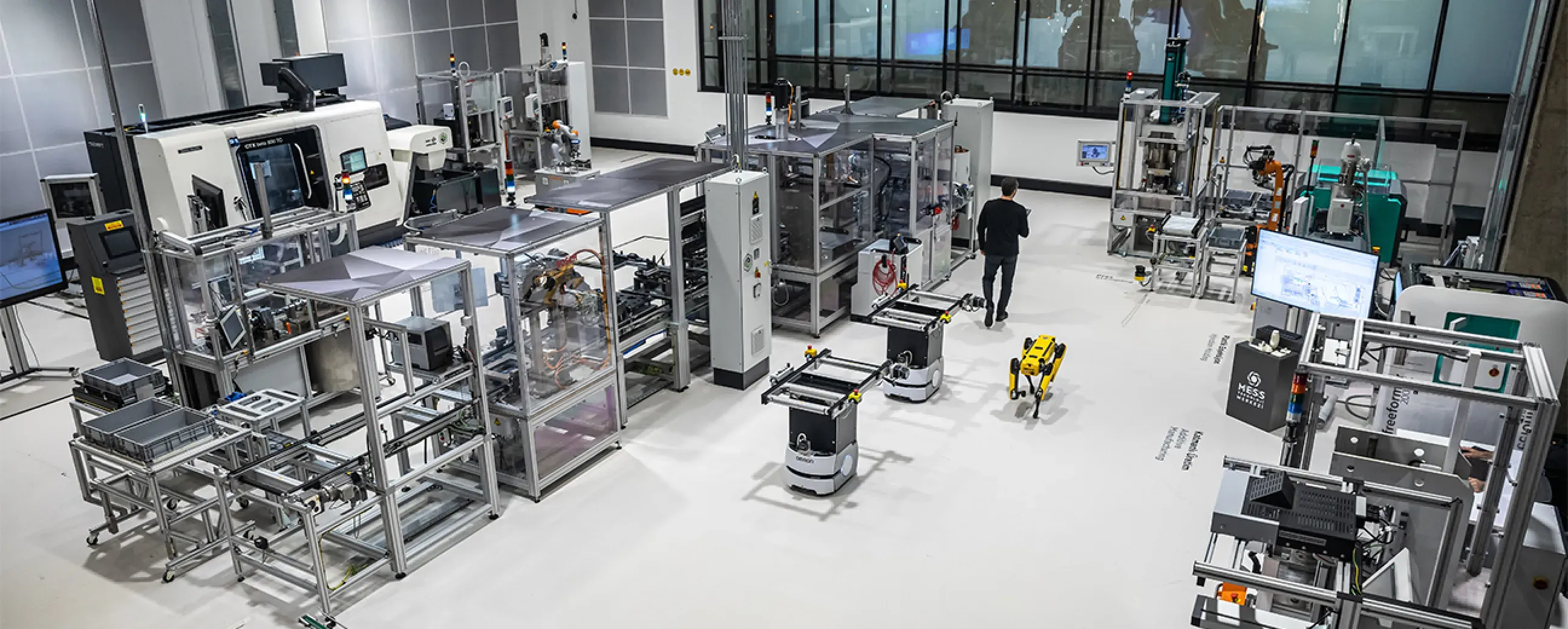
Manufacturing
Digital factory data management
MEXT Digital Factory
Read the case study -

Mining & energy
Mining, fleet and solar on one platform
Kaltun Mining
Ask us about this deployment -
Energy
Grid monitoring at the edge
CK Enerji
Ask us about this deployment -
Manufacturing
Unified Namespace with Oracle ERP
Pilenpak
Ask us about this deployment
- Where is the history stored?
- In your deployment. Telemetry and operational logs go to a columnar store built for time-series volume; configuration and asset objects live in a transactional store. Neither requires a vendor cloud.
- How long is data kept?
- For as long as your retention policy says. Retention is set per deployment for telemetry and logs; telemetry is kept until you set a limit.
- Can our data team query it directly?
- Yes. The Trend Workspace charts stored values of several devices on one time axis, and read-only SQL (in dashboards and through the Telemetry API) runs one statement at a time under the same role model as everything else, so investigation does not become an outage risk.
- Do we still need a separate historian?
- Many plants keep an existing historian for regulatory or legacy reasons, and Proxus feeds it. If you do not have one, the built-in store covers the same job without another licence.
- Can we reprocess history if a model changes?
- Raw values are kept at the resolution you collected them, so recalculating a derived figure later is a matter of reading history back rather than re-collecting it.
Continue
- Platform Unified Namespace Every signal gets an address that means something. Read more
- Platform Dashboards & reporting Views the plant uses, reports the business trusts. Read more
- Platform Integrations & targets Deliver to the systems you already run. Read more
Two numbers set your price: the gateways you run and the data rate they carry. See pricing
Next step
Point it at one of your lines.
The fastest way to judge a data layer is to watch it read your own equipment. Bring one machine and one destination system, and we will build the path in front of you.
- 01
Scoping call
Equipment, protocols, sites and the systems the data has to reach.
- 02
Technical walkthrough
A working demo against a scenario that resembles your plant, not a generic tour.
- 03
Pilot plan
A defined first line or site, with the deployment and security questions answered up front.
- 04
Roll-out
The same templates bring the next lines and sites online.