Solutions · System integrators
A rollout pattern that survives the twentieth site.
Device profiles, a consistent namespace and container deployment mean the second site is a repeat, not a rebuild, and the customer can operate what you hand over.
- Repeatable
- Device profiles and namespace patterns carried between sites
- Deployable
- Containers, documented for single-host and fleet installs
- Handover
- Configuration objects and documentation, not bespoke scripts
The second site is a repeat, not a rebuild.
Device profiles and one namespace structure travel from site to site; gateways take their configuration from the hub.
The shift
What actually changes.
How it works today
- Each project starts from zero and margin disappears into repetition
- Bespoke integrations become a permanent support obligation
- Twenty sites are configured twenty slightly different ways, each on its own box
- Handover means handing over scripts
With Proxus
- Device profiles and namespace patterns travel between projects
- Deployment follows a documented, repeatable pattern
- Configuration lives centrally; gateways keep none of their own and receive it from the hub
- Handover is configuration the customer can operate
How it plays out
A typical sequence, step by step.
An illustrative sequence, not a customer story: written to show the shape of the work rather than to claim a result. Your equipment, sites and systems decide the detail.
-
Site 1
Model the machine types
The work that only happens once: device profiles for the equipment on that site.
-
Site 2
Repeat, do not rebuild
Device profiles are applied, connection details change, and the namespace keeps the same shape.
-
Site 5
Fleet, not islands
Gateways report centrally with their own identity and capacity, so the estate stays legible.
-
Handover
Leave cleanly
The customer inherits configuration objects and documentation instead of a dependency on you. A failed gateway is a hardware swap, not a call to the integrator who built it.
What Proxus does here
The working parts behind it.
-
Device profiles
Model a machine type once and apply it everywhere, including across customers with similar equipment.
-
Fleet deployment
Multiple gateways with distinct identities, deployed from a documented pattern and configured from the hub.
-
Container installs
Predictable installs and upgrades on customer infrastructure.
-
Clean handover
Everything is a configuration object the customer can inspect and change.
-
Room for your value-add
Custom functions and dashboards where your domain knowledge belongs.
-
Partner terms
Commercial terms designed for delivery partners and multi-site programmes.
The partner programme
Deployment scope
What a first deployment involves.
- You deliver
- Scoping, modelling, deployment and the domain knowledge
- You reuse
- Device profiles across customers
- You deploy
- Containers, per site, from a documented pattern
- You get
- Partner commercial terms built for multi-site programmes
What this enables
- Turn the second and twentieth site into repeats rather than rebuilds
- Carry templates between customers without carrying their data
- Hand over configuration objects instead of bespoke scripts
- Keep your value in scoping and modelling, not in plumbing
In the product
Every machine with its state, last value and profile
Devices are grouped by site with their type, connection state, last value and profile. The same profiles and gateway pattern repeat per site, which is what makes the twentieth rollout resemble the second.
Local product environment with simulated data.

Proven in production
Repeated across sites and sectors.
-

Mining & energy
Mining, fleet and solar on one platform
Kaltun Mining
Ask us about this deployment -
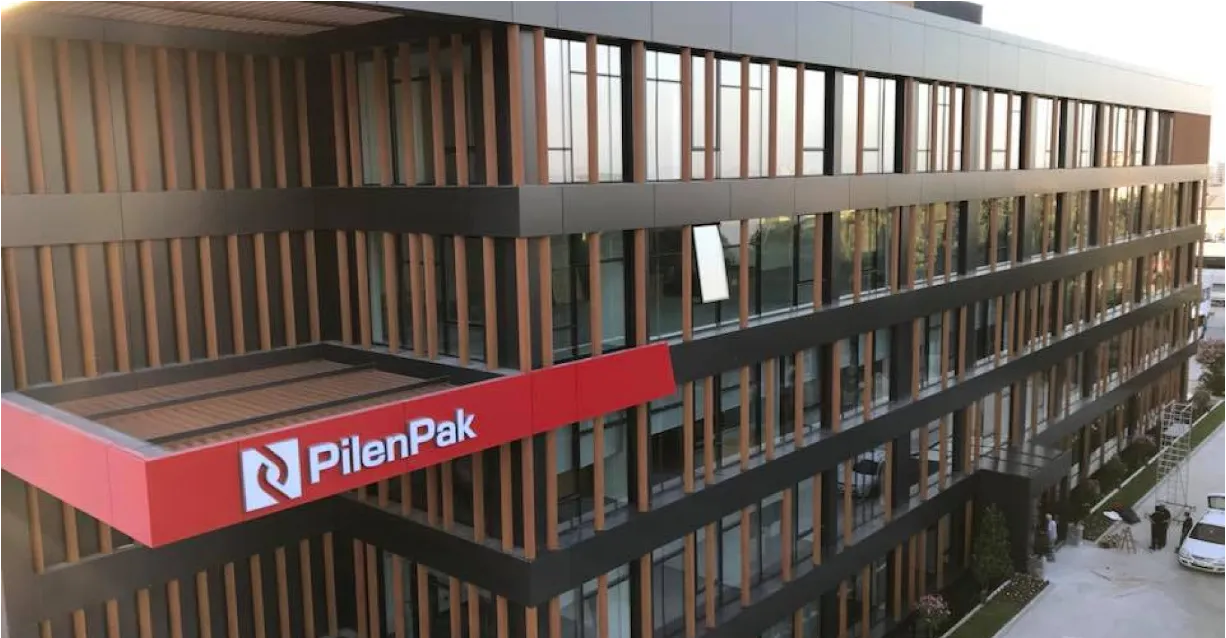
Manufacturing
Unified Namespace with Oracle ERP
Pilenpak
Ask us about this deployment -

Energy
LV transformer analytics
TREDAŞ
Ask us about this deployment -
Transportation
Edge filtering under bandwidth limits
Public transportation authority
Ask us about this deployment
Questions
What teams ask before starting.
- What does the commercial model look like for partners?
- Partner terms are designed around multi-site programmes rather than one-off licences, and are quoted regionally. Contact us for the partner pricing model.
- Can we reuse work between customers?
- Device profiles travel with you, which is what makes the second deployment of a machine type fast. Customer data does not travel; models do.
- What does handover look like?
- Everything is a configuration object the customer can inspect and change. There is no bespoke service to hand over, which is what keeps the support tail short.
- Do you compete with us on delivery?
- The platform is built to be delivered by partners who know the plant. Scoping, modelling and site work are where your value sits, and we are not trying to occupy it.
Next step
Deliver Proxus at your customers’ sites.
Tell us your region, the customers you deliver for and the equipment you usually meet on site. We will go through partner terms and technical enablement with you.
- 01
Scoping call
Equipment, protocols, sites and the systems the data has to reach.
- 02
Technical walkthrough
A working demo against a scenario that resembles your plant, not a generic tour.
- 03
Pilot plan
A defined first line or site, with the deployment and security questions answered up front.
- 04
Roll-out
The same templates bring the next lines and sites online.