Integrations · PostgreSQL
PostgreSQL as a first-class industrial data target.
Write every reading into the database your applications already use, continuously and under the tag names you gave it, so an application developer does not need to know what DB1.DBD0 meant.

- Writes to
- A table Proxus creates on first write, one row per reading (device, tag, value, data type, time)
- Cadence
- Continuous: Pass Through, On Change or Pipelines Only
- Reliability
- Edge buffering when the database is unavailable
- Fits
- Application back-ends, internal tools and analysis workflows
Data path
What actually moves, and where it stops.
Tag names, not controller addresses
Field
- PLCs, CNCs, robots
- OPC UA servers
- Meters and SCADA
Proxus
- Collect at the line
- Model into the namespace
- Buffer and forward
PostgreSQL
- one row per reading
- application queries
- analysis workflows
How it works
From the machine to PostgreSQL, in four steps.
- 01
Collect and name
Equipment values become named, scaled tags.
- 02
Point at the database
Configure the outbound target and its strategy; the gateway creates its table on first write.
- 03
Build on it
Applications and analysts query PostgreSQL directly, with no plant network access required.
- 04
Watch the feed
Delivery status per target confirms the pipeline is intact.
What you get
Why teams route PostgreSQL through Proxus.
-
Developer-friendly
A familiar database with tag names in the rows, instead of an OT integration exercise.
-
One fixed table
The table has the same columns wherever Proxus writes it, so views are written once.
-
Server identity checked
With SslMode VerifyFull, the gateway encrypts the connection and checks the server’s certificate and name against the CA in the Certificate Store.
-
Controlled scope
Only the devices attached to the target are written; a pipeline can narrow it to single tags.
Where it is used
Typical deployments.
-
Internal applications
Give in-house tools live production data without custom OT code.
-
Analysis workflows
Let analysts work in SQL against named tags.
-
Staging for a warehouse
Land data locally, then move it onward on your own schedule.
- Targets
- PostgreSQL; SQL Server, Oracle, MySQL, Firebird, ClickHouse, InfluxDB and TDengine are also supported
- Payload
- One row per reading: device ID and name, tag name, value (as text), data type and time
- Strategies
- Pass Through, On Change, or Pipelines Only (only what a pipeline sends)
- Security
- SslMode up to VerifyFull, with the server’s CA from the Certificate Store. When SslMode is not set, the driver encrypts if the server offers it but does not check the server
- You configure
- Server, Database, User, Password, Port; SslMode. Test Connection checks the address and credentials from the hub or from a gateway you choose, without writing data.
Proven in production
Running in production at these plants.
-
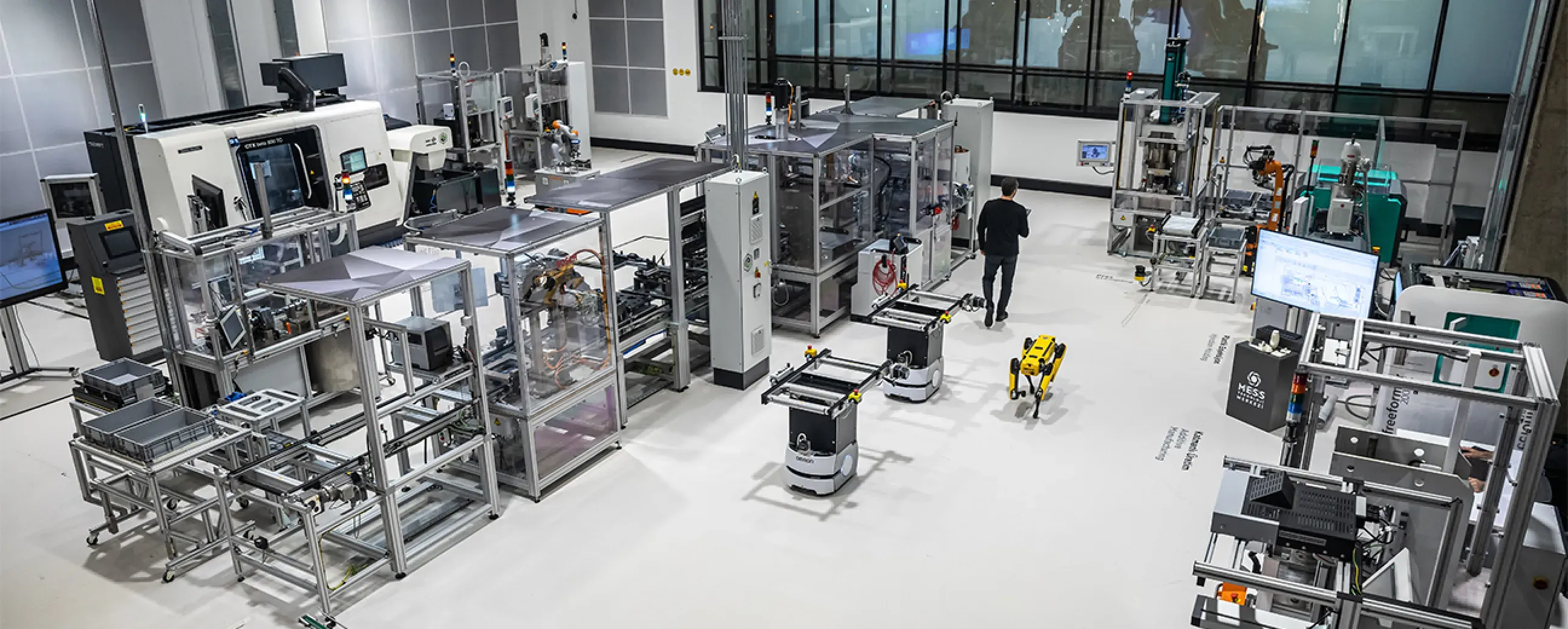
Manufacturing
Digital factory data management
MEXT Digital Factory
Read the case study -

Manufacturing
Edge deployment with SAP integration
Siemens
Ask us about this deployment -

Manufacturing
Unified Namespace with Oracle ERP
Pilenpak
Ask us about this deployment -

Mining & energy
Mining, fleet and solar on one platform
Kaltun Mining
Ask us about this deployment
Questions
Before you wire it up.
- Is PostgreSQL suitable for high-rate telemetry?
- It is a good fit for modelled, on-change and business-facing data. For very high-rate raw telemetry, the built-in columnar historian or a time-series database is usually the better target, and you can use both.
- Do application developers need OT knowledge?
- No, which is the point. They read named tags with their values and times from a familiar database instead of interpreting controller addresses.
- Can we run it on our managed PostgreSQL?
- Yes, as long as the plant network can reach it. Delivery is outbound from the gateway.
- How do schema changes get handled?
- The table Proxus writes has a fixed set of columns, so adding or renaming a tag changes rows, not the schema. Configuration changes are recorded in the audit trail, so a renamed tag is a visible action rather than a silent surprise for a downstream job.
Other integrations
- Database
 Microsoft SQL Server Write production data continuously into a SQL Server table that reports and business systems can read. Microsoft SQL Server integration
 - Database
 InfluxDB Stream industrial time-series readings into InfluxDB 2.x. InfluxDB integration
 - Streaming and events
 Apache Kafka Publish plant readings, and the events your pipelines raise, to Kafka for event-driven consumers. Apache Kafka integration
Next step
See it delivering into your own PostgreSQL.
Bring one machine and a PostgreSQL database. We connect the machine, show the rows arriving in the table Proxus creates, and what happens while the database is down.
- 01
Scoping call
Equipment, protocols, sites and the systems the data has to reach.
- 02
Technical walkthrough
A working demo against a scenario that resembles your plant, not a generic tour.
- 03
Pilot plan
A defined first line or site, with the deployment and security questions answered up front.
- 04
Roll-out
The same templates bring the next lines and sites online.