Integrations · InfluxDB
Time-series where your dashboards already live.
If your team already runs InfluxDB and Grafana, Proxus feeds it: one point per reading, tagged with the device name and ID, the tag name as the field, at the time it was read. Dashboards query names instead of register addresses.

- Writes to
- One measurement in the bucket you choose (proxusdevicedata by default)
- Carries
- One point per reading, tagged with device name and ID, the tag name as field, at the time it was read; numbers and booleans keep their type
- Volume control
- On Change, or Pipelines Only for just what a pipeline selects
- Reliability
- Buffered at the edge on outage
Data path
What actually moves, and where it stops.
Only changes, or only what a pipeline selects, if you choose
Field
- PLCs, CNCs, robots
- OPC UA servers
- Meters and SCADA
Proxus
- Collect at the line
- Model into the namespace
- Buffer and forward
InfluxDB
- measurement
- tags and fields
- existing dashboards
How it works
From the machine to InfluxDB, in four steps.
- 01
Name at the source
Scaling and tag names are applied where the value is collected.
- 02
Choose the cadence
Send every reading, or only changes, per target.
- 03
Write to InfluxDB
An outbound target writes through the InfluxDB 2.x API into the bucket and measurement you configure.
- 04
Visualise as usual
Grafana or Influx dashboards query the measurement by deviceName and field.
What you get
Why teams route InfluxDB through Proxus.
-
Late values land in place
Each point is written at the time its value was read, so values sent after an outage take their place in the series instead of piling up at the reconnect time.
-
Types kept
Numbers and booleans are written with their type, so queries aggregate them without casting.
-
Named, not numbered
Fields carry the tag names and points are tagged by device, not by controller address.
-
Bucket checked first
Test Connection checks the token and that the bucket exists, before the first point is written.
Where it is used
Typical deployments.
-
Existing Grafana estate
Keep the dashboards your teams built; panels that read old series point at the Proxus measurement.
-
Energy and utilities monitoring
Continuous metering data, each point at the time it was read.
-
Engineering analysis
High-resolution series for investigating process behaviour.
- Targets
- InfluxDB 2.x (URL, token, organization, bucket); TDengine, ClickHouse and SQL databases are also supported
- Payload
- One point per reading: tags deviceName and deviceId, the tag name as field, the value with its number or boolean type, and the read time
- Strategies
- Pass Through, On Change, or Pipelines Only (only what a pipeline sends)
- Security
- Token masked in the hub; https addresses are verified
- You configure
- Url, Token, Organization, Bucket, Measurement. Test Connection checks the address and credentials from the hub or from a gateway you choose, without writing data.
Proven in production
Running in production at these plants.
-

Energy
Grid monitoring at the edge
CK Enerji
Ask us about this deployment -

Energy
LV transformer analytics
TREDAŞ
Ask us about this deployment -

Mining & energy
Mining, fleet and solar on one platform
Kaltun Mining
Ask us about this deployment -
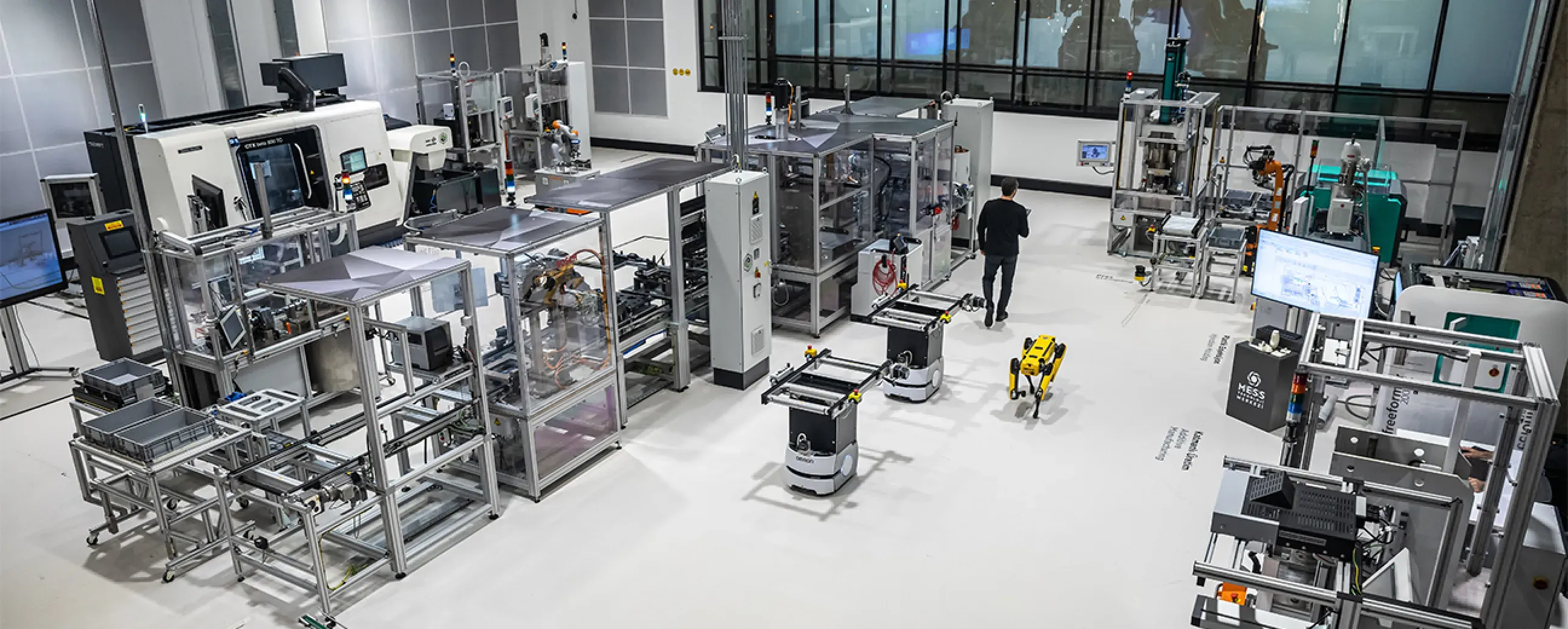
Manufacturing
Digital factory data management
MEXT Digital Factory
Read the case study
Questions
Before you wire it up.
- Do we still need Proxus if we already have InfluxDB and Grafana?
- Those cover storage and visualisation. Proxus covers what sits before them: connecting the equipment, modelling the signals and delivering them reliably.
- Can we keep our existing dashboards?
- Yes, Grafana and Influx dashboards stay. Panels that read your old series need to point at the Proxus measurement, its deviceName tag and the tag name as field.
- How is volume controlled?
- Through on-change delivery and filtering at the source, so the database receives what is useful rather than every raw poll.
- Which other time-series targets are supported?
- TDengine and ClickHouse, alongside standard SQL databases and the built-in historian.
Other integrations
- Database
 PostgreSQL Write industrial data continuously into PostgreSQL for applications and analysis. PostgreSQL integration
 - Database
 Microsoft SQL Server Write production data continuously into a SQL Server table that reports and business systems can read. Microsoft SQL Server integration
 - Streaming and events
 Splunk Send industrial readings and events to Splunk’s HTTP Event Collector. Splunk integration
Next step
See it delivering into your own InfluxDB.
Bring one machine and an InfluxDB 2.x bucket. We connect the machine, write its readings in front of you, and query them by device and tag name.
- 01
Scoping call
Equipment, protocols, sites and the systems the data has to reach.
- 02
Technical walkthrough
A working demo against a scenario that resembles your plant, not a generic tour.
- 03
Pilot plan
A defined first line or site, with the deployment and security questions answered up front.
- 04
Roll-out
The same templates bring the next lines and sites online.