Solutions · Automation engineering
Connect equipment without writing middleware.
Add a machine by describing it: protocol, addresses, intervals. No PLC program changes, no per-machine service to maintain, and no dependency on whoever wrote the last integration script.
- Drivers
- 66 protocols, built in
- You configure
- Source, protocol, tag list and read interval
- You do not
- Change PLC programs or maintain per-machine services
- You keep
- Device profiles: the next identical machine only needs its connection details
Describe the machine. Proxus reads it.
Protocol, addresses and read intervals are configuration; polling, reconnection and change detection are the driver’s job.
The shift
What actually changes.
How it works today
- Every new machine becomes a small software project
- Integration knowledge lives with one engineer
- IT requests arrive as one-off exports
- Scripts run on a PC under someone’s desk
With Proxus
- A machine is added by describing it: protocol, addresses, intervals
- Device profiles carry the knowledge, not a person
- IT reads from a standing path instead of asking for extracts
- Everything runs as configuration from the hub on a managed gateway, with changes in the audit trail
How it plays out
A typical sequence, step by step.
An illustrative sequence, not a customer story: written to show the shape of the work rather than to claim a result. Your equipment, sites and systems decide the detail.
-
Hour 1
First machine
Define the source, pick the protocol, list the registers and set the read interval. No PLC program is touched.
-
Hour 2
Make it a profile
Turn that definition into a device profile so the machine type is described once.
-
Day 2
Identical machine
The next press or cell inherits the profile: connection details in, tag list already there.
-
Next request
IT asks for data
You add a target rather than writing an export, and the request stops landing on your desk each month.
What Proxus does here
The working parts behind it.
-
Native drivers
Siemens, Allen-Bradley, Mitsubishi, Omron, Beckhoff, Modbus, OPC UA and machine-tool protocols.
See all 66 protocols -
Browse the address space
Browse OPC UA, MTConnect, SNMP and Allen-Bradley address spaces and select tags instead of transcribing them.
-
Device profiles
Define once, apply to every identical machine across lines and sites.
-
Per-tag quality
Know which values are trustworthy right now, per device and per tag.
-
Escape hatch
C# functions when a machine needs logic no standard block covers.
-
Recorded changes
Configuration changes are recorded in the audit trail, and pipelines keep revisions you can compare.
Deployment scope
What a first deployment involves.
- You configure
- Source, protocol, tag list and read interval
- You avoid
- PLC program changes and per-machine middleware
- You reuse
- Device profiles across identical equipment and sites
- You escape to code
- Only where a machine genuinely needs it, through the SDK
What this enables
- Add machines without writing or maintaining middleware
- Answer IT data requests from a standing path instead of a one-off export
- Keep the integration knowledge in the platform, not in one person’s head
- Drop into code only where a machine genuinely needs it
In the product
One profile, every device that uses it
A device profile holds the protocol settings and the tag list, and shows every device that uses it. No middleware per machine and no PLC program changes; a change to the profile is previewed against those devices before it is applied.
Local product environment with simulated data.

Proven in production
Configured by the engineers who run the equipment.
-
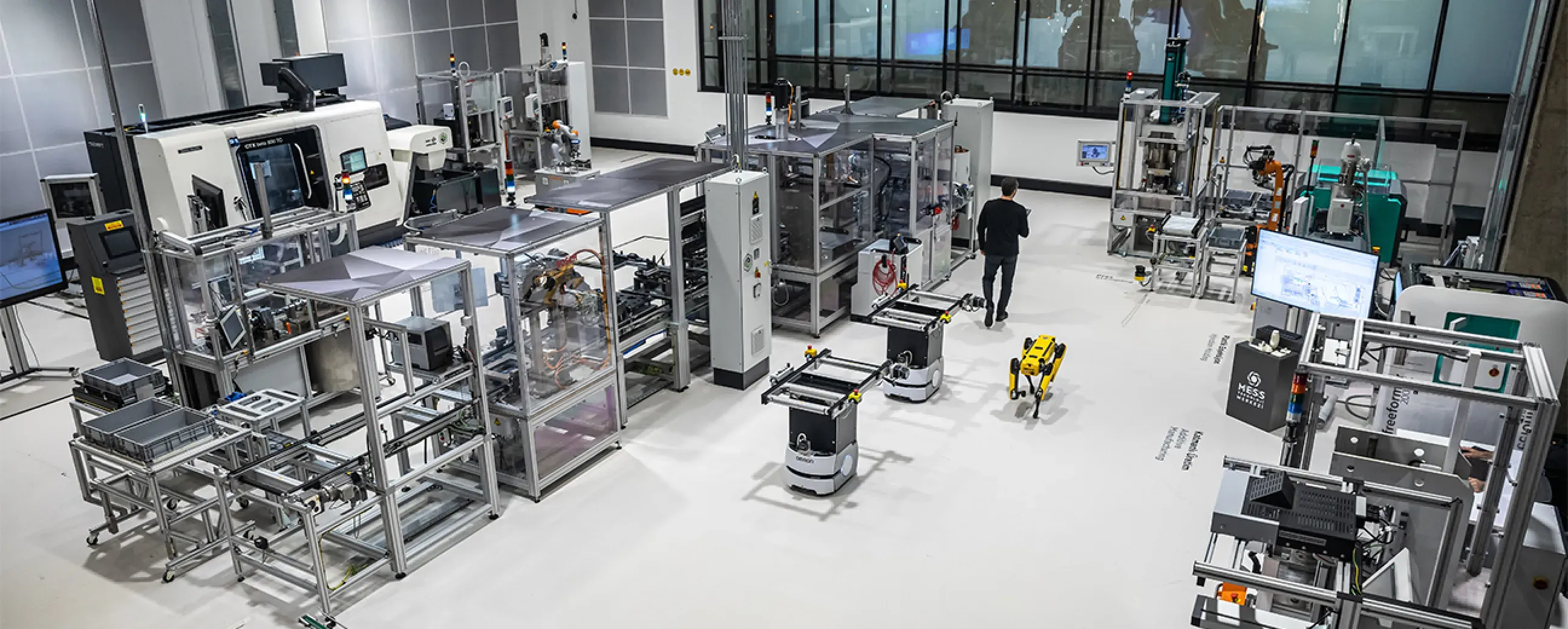
Manufacturing
Digital factory data management
MEXT Digital Factory
Read the case study -
Manufacturing
Edge deployment with SAP integration
Siemens
Ask us about this deployment -
Manufacturing
Unified Namespace with Oracle ERP
Pilenpak
Ask us about this deployment -

Mining & energy
Mining, fleet and solar on one platform
Kaltun Mining
Ask us about this deployment
Questions
What teams ask before starting.
- Will this interfere with the control system?
- Proxus reads using the same protocols an HMI or SCADA client uses. Read intervals are configured, so load on the controller is a deliberate setting rather than a side effect.
- How long does adding a machine take?
- Once a device profile exists for that machine type, adding an identical machine is applying that profile and setting connection details. The first machine of a new type takes longer because that is where the modelling happens.
- What if I need logic the platform does not have?
- Write it as a C# function against the SDK. It runs in the pipeline and is managed from the hub with everything else, so it does not become an undocumented script on someone’s laptop.
- Do I need to be a developer to use this?
- No. The standard path is configuration: source, protocol, tags, interval, target. Code is the escape hatch, not the entry requirement.
Next step
Start with one line, not a programme.
Pick the line that causes the most arguments about numbers. We will scope what it takes to make that one trustworthy, and what the second and tenth would cost in effort.
- 01
Scoping call
Equipment, protocols, sites and the systems the data has to reach.
- 02
Technical walkthrough
A working demo against a scenario that resembles your plant, not a generic tour.
- 03
Pilot plan
A defined first line or site, with the deployment and security questions answered up front.
- 04
Roll-out
The same templates bring the next lines and sites online.
Tell us about your plant
A Proxus engineer replies within one working day.
Rather look around first? Try the live demo