Integrations · Microsoft Azure
Plant data in Azure, named at the source.
Proxus collects from the equipment and sends each reading from inside your network to Azure IoT Hub, or writes readings in batches to Azure Data Lake Storage Gen2 as Parquet, JSON or CSV files. What lands in Azure carries the device and tag names you set in Proxus, not register addresses.

- Direction
- Outbound from your network to Azure, no inbound access required
- Delivered
- Each reading as JSON: device name and ID, tag name, value, data type and the time it was read
- Reliability
- Buffered at the gateway, sent in order on reconnect
- Volume control
- Pass Through or On Change per target, or Pipelines Only for just what a pipeline sends
Data path
What actually moves, and where it stops.
Outbound only, no inbound access into the plant network
Field
- PLCs, CNCs, robots
- OPC UA servers
- Meters and SCADA
Proxus
- Collect at the line
- Model into the namespace
- Buffer and forward
Microsoft Azure
- device telemetry
- message routing
- downstream services
How it works
From the machine to Microsoft Azure, in four steps.
- 01
Collect at the line
Native drivers read from PLCs, CNCs, meters and OPC UA servers on the plant network.
- 02
Name before it moves
Registers become named tags with scaling applied, on devices placed in the Unified Namespace.
- 03
Deliver to Azure
An outbound target sends the readings of the devices attached to it to IoT Hub, or collects them into Data Lake files, with the transport strategy you choose.
- 04
Prove the feed
Each target shows its status, last success, last failure and last error, and how many messages are queued at the gateway while it is unreachable.
What you get
Why teams route Microsoft Azure through Proxus.
-
No inbound firewall rules
Delivery is initiated from inside the plant network, which is usually what the security review wants to hear.
-
One message shape from every site
Every reading arrives with the same fields from every plant, so the cloud-side parser is written once.
-
Files for the lake, not a message stream
For Data Lake Storage Gen2, readings are collected at the gateway and written in batches as Parquet, JSON or CSV files, under the directory and path pattern you set.
-
Checked before the first send
Test Connection opens the IoT Hub device connection, or signs in to Data Lake and checks that the file system exists, from the gateway that will send.
Where it is used
Typical deployments.
-
Central analytics across plants
Every site sends the same message shape, so group-level analysis does not start with a mapping exercise.
-
Machine learning on production data
Train on history with device and tag names attached, not unlabelled numeric columns.
-
Long-term archive
Write batched Parquet files to Data Lake Storage Gen2 while the plant keeps its own copy for line-side use.
- Targets
- Azure IoT Hub (device identity with a shared access key) and Azure Data Lake Storage Gen2 (Parquet, JSON or CSV files, written in batches)
- Payload
- IoT Hub: one JSON message per reading with deviceId, deviceName, measureName, timestamp, value type and value. Data Lake: the same fields as rows in each file
- Strategies
- Pass Through, On Change, or Pipelines Only (only what a pipeline sends)
- Security
- IoT Hub: TLS on port 8883, checked against the operating system’s trusted roots; the device signs in with its shared access key (X.509 device authentication is not supported in this version). Data Lake: always HTTPS, signed in as a service principal (tenant ID, client ID and secret)
- You configure
- Azure IoT: HostName, DeviceId, SharedAccessKey. Azure Data Lake Gen2: AccountName, FileSystem, TenantId, ClientId, ClientSecret, Format. Test Connection checks the address and credentials from the hub or from a gateway you choose, without writing data.
Proven in production
Running in production at these plants.
-
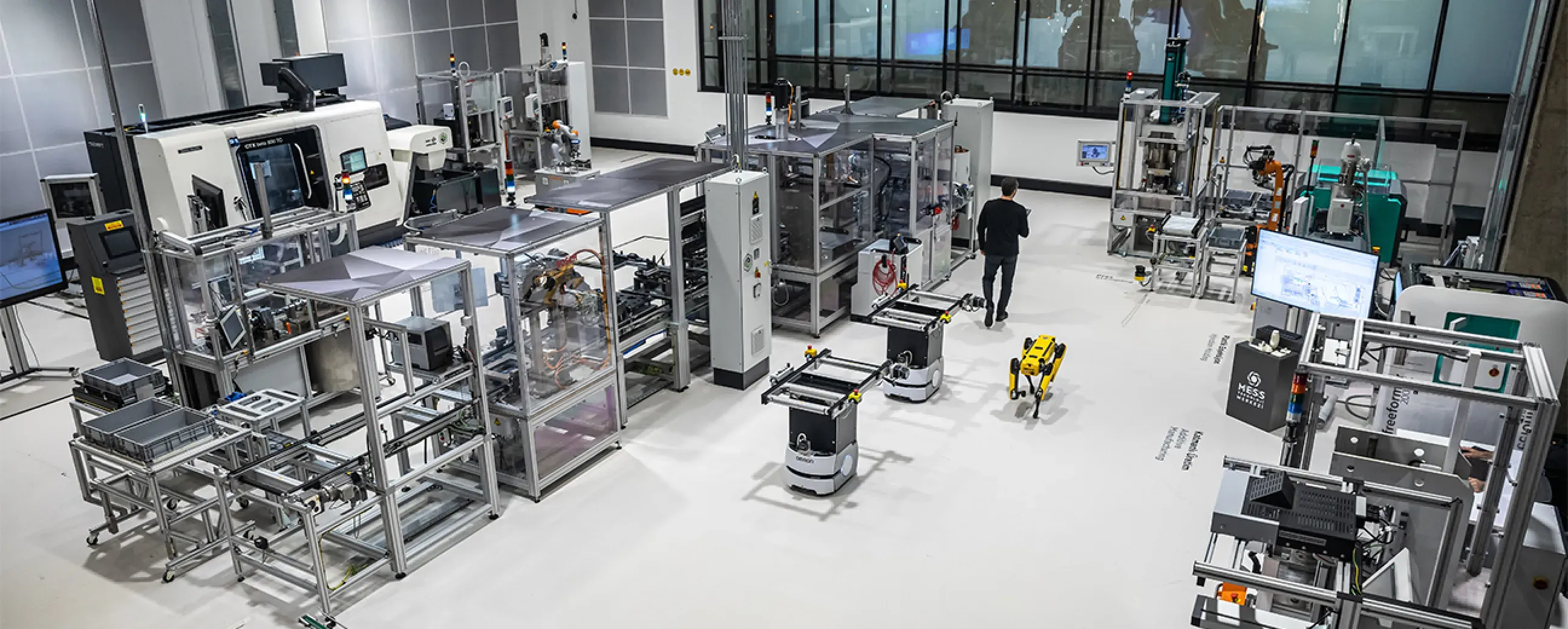
Manufacturing
Digital factory data management
MEXT Digital Factory
Read the case study -

Mining & energy
Mining, fleet and solar on one platform
Kaltun Mining
Ask us about this deployment -

Energy
Grid monitoring at the edge
CK Enerji
Ask us about this deployment -
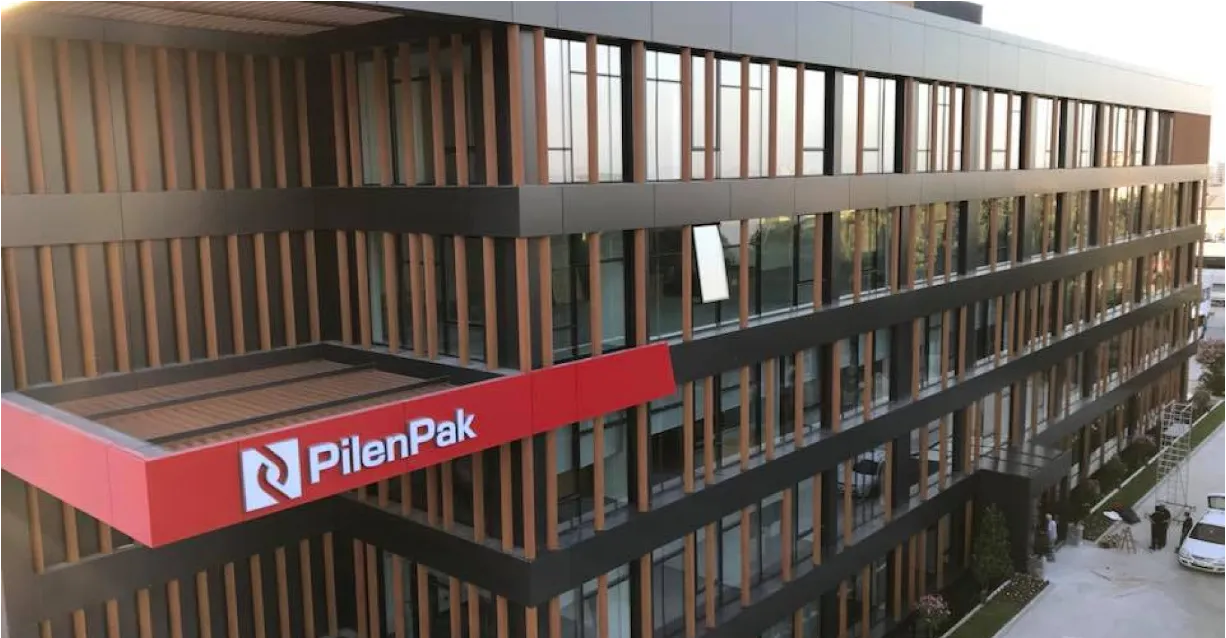
Manufacturing
Unified Namespace with Oracle ERP
Pilenpak
Ask us about this deployment
Questions
Before you wire it up.
- Does Proxus require inbound access from Azure?
- No. Delivery is initiated from the plant network outward, so no inbound firewall rules or exposed endpoints are needed on the OT side.
- Can we choose which signals reach Azure?
- Yes. You choose which devices send to the Azure target; for single signals, set it to Pipelines Only and a pipeline sends just what you select. Collection and delivery are separate, so you can collect everything locally and send only what the cloud workload needs.
- What does a message contain?
- One reading: device name and ID, tag name, value, data type and the time it was read. The unit and the namespace path stay in Proxus. Azure Data Lake Storage Gen2 receives the same fields as rows in Parquet, JSON or CSV files.
- What happens if the Azure link drops?
- The gateway buffers locally and forwards when the connection returns. The historian on your hub is unaffected.
- Do we still keep data on site?
- Yes. Delivering to Azure does not move the plant copy: the historian on the hub you host keeps serving line-side dashboards and reports.
Other integrations
- Cloud
 AWS Push industrial data to AWS IoT Core and the services behind it. AWS integration
 - Streaming and events
 Apache Kafka Publish plant readings, and the events your pipelines raise, to Kafka for event-driven consumers. Apache Kafka integration
 - Database
 Microsoft SQL Server Write production data continuously into a SQL Server table that reports and business systems can read. Microsoft SQL Server integration
Next step
See it delivering into your own Microsoft Azure.
Bring one machine and your IoT Hub or Data Lake account. We connect the machine, deliver its readings to Azure in front of you, and show what the gateway does while Azure is out of reach.
- 01
Scoping call
Equipment, protocols, sites and the systems the data has to reach.
- 02
Technical walkthrough
A working demo against a scenario that resembles your plant, not a generic tour.
- 03
Pilot plan
A defined first line or site, with the deployment and security questions answered up front.
- 04
Roll-out
The same templates bring the next lines and sites online.