Every plant that sends data off site eventually loses its link: a fibre is cut, a firewall rule changes, a central server is patched on a Sunday. What happens to the values read during that time decides whether the history can be trusted. A trend with a two-hour hole in it is an inconvenience. An OEE report, an energy baseline or a batch record with a silent hole in it is worse, because nobody notices.
This guide is about keeping history complete across those failures. It covers where history should be stored, how an edge buffer works and how to size it, what really happens when buffered data is replayed, and how to fill gaps that the buffer could not cover. It is written to be useful whatever product you run; where Proxus is mentioned, it is as a concrete example of one design.
Three places history can live
The phrase "edge historian" is used for quite different designs. It helps to separate them.
A full historian at the edge
Each site runs its own time-series database. Local users and applications query it directly. A replication process copies data to a central historian when the link allows.
- Strengths: local trends and reports keep working during an outage; very high-rate data can stay local and only summaries go central.
- Costs: one more database per site to install, patch, back up, monitor and license; two copies of history that can disagree; replication conflicts to resolve; local disk that eventually fills.
A buffer at the edge, history in the centre
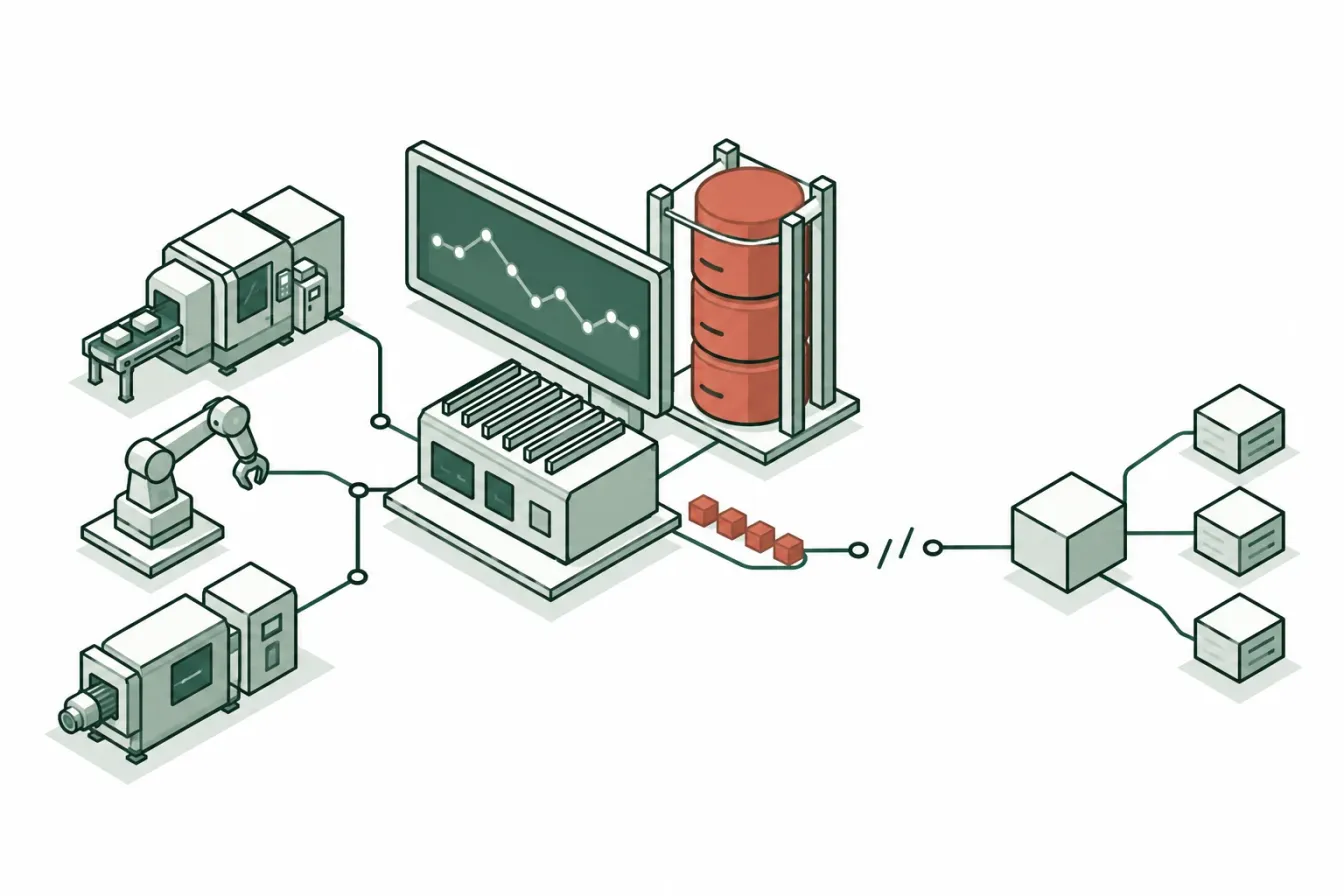
The edge keeps only data that has not yet been delivered. The historian lives centrally. When the link is up, the buffer is nearly empty; when it is down, the buffer grows and then drains.
- Strengths: one historian, one copy of the truth, nothing to back up at the edge, smaller edge hardware.
- Costs: during an outage, people at the site cannot query history from the central system; anything that must work locally has to be designed for it (local HMIs still read the controllers, and edge rules still run).
Hybrid
A buffer for delivery, plus a small local store for the few things a site must see during an outage, such as the last shift's counts.
None of these is right for every plant. The deciding questions are: what must a site be able to see and do while it is cut off, for how long, and who will operate a database at every site?
Proxus uses the second design. A gateway is one process plus a small message server next to it that holds the buffer on disk; there is no database at the edge. The historian (a columnar ClickHouse store) and the dashboards live on the hub. Rules run on the gateways and keep running during an outage, so alerts do not depend on the link. If your sites need local history during long outages, that is a requirement to raise early, because it changes the design.
How store-and-forward works
Store-and-forward is the mechanism behind the edge buffer. In outline:
- The edge reads a value and gives it a timestamp and quality.
- It tries to hand the value to the next hop (a central message server, a broker, a database).
- If the next hop accepts it, the value is done at the edge. If not, the value is written to a local persistent queue.
- When the next hop is reachable again, the queue is sent in order, oldest first, while new values keep arriving.
- A value leaves the queue only after the next hop confirms it has it.
Step 5 is what makes the buffer safe. A buffer that deletes a message as soon as it has been sent, rather than acknowledged, loses whatever was in flight when the link dropped.
The properties that matter
When you evaluate a buffer, ask about these:
| Property | What to ask | Why it matters |
|---|---|---|
| Persistence | Is the queue on disk or only in memory? | A memory buffer is lost on power failure or restart, which often coincides with the outage. |
| Retention | How long, or how much, does it keep? What happens at the limit? | A buffer always has a limit. You need to know whether it drops the oldest or the newest data. |
| Ordering | Is data delivered in the order it was read? | Out-of-order delivery breaks consumers that compute differences or state changes. |
| Delivery guarantee | At most once, at least once, or exactly once? | At-least-once is the practical norm; it means occasional duplicates. |
| Timestamps | Are original read times kept? | Without them, buffered data lands at the time it was delivered, which is wrong. |
| Visibility | Can you see how much is waiting? | A growing backlog is the earliest sign that something downstream is wrong. |
| Scope | Does it cover only the central link, or every outbound destination? | Third-party targets fail too, and often more often than the central link. |
In Proxus: the buffer is on disk in the gateway's message server; retention is set per gateway as Buffer Retention (hours), 48 hours by default and anywhere from 1 to 720 hours (30 days), with the oldest data dropped first beyond that; values reach the hub with the times they were read; and alarms raised at the edge are buffered the same way and delivered in the order they were raised. Every outbound target type (databases, MQTT, Kafka, REST, InfluxDB, cloud IoT services and the others) has its own durable queue at the gateway with the same retention, written in order when the target is back, at least once. Each target's status shows its last success, last failure and last error, and while it is unreachable, how many queued messages are waiting. The data flow page describes the path in detail.
Sizing the buffer
The buffer has to hold everything read during the longest outage you intend to survive. The calculation is simple; the inputs are where people go wrong.
Step 1: measure the data rate. Count values per second, not tags. A thousand tags read every second produce a thousand values per second; the same tags read every ten seconds produce a hundred. Add values that devices publish by themselves, and alarms.
Step 2: measure bytes per value on disk. This depends on the encoding, the metadata stored with each value and the queue's own overhead. Do not guess it from the size of a number. Run the system for a known period with the link down on a test gateway and look at how much the buffer grew.
Step 3: decide the outage window. Ask how long it takes, in practice, to get someone to fix a link at that site, including weekends and holidays. A plant with a local IT team may be fine with a day. A remote pumping station reached by one technician may need weeks.
Step 4: multiply and add headroom.
buffer size = values per second × bytes per value × seconds of outage × headroomA worked example, with assumed numbers that you should replace with your own measurements:
| Input | Value |
|---|---|
| Values per second | 2,000 |
| Bytes per value on disk (measured) | 200 |
| Outage window | 48 hours = 172,800 s |
| Headroom | 1.5 |
| Buffer size | 2,000 × 200 × 172,800 × 1.5 ≈ 104 GB |
Two lessons usually come out of this exercise. First, a fast data rate and a long outage window together need real disk, so check the edge hardware before promising a month of buffering. Second, the cheapest way to shrink the buffer is often to read less: a tag read every 100 milliseconds that nobody uses at that resolution costs ten times the disk of the same tag read every second.
Also check what the buffer counts against. In Proxus, data above a gateway's licensed rate is neither delivered nor buffered, so the licence has to fit the real rate, including bursts after a restart.
What really happens on replay
Most buffer designs are tested for "does the data arrive?" and not for "what does it look like when it arrives?". Replay has side effects that consumers must be ready for.
Data arrives late and in a burst
After a six-hour outage, six hours of data arrives in minutes or hours, mixed with live data. Any consumer that treats arrival time as event time will put it in the wrong place. Every consumer must use the timestamp in the payload.
Dashboards and reports usually cope, because they read from the historian by timestamp. Things that react to messages as they arrive are the risk: a script that sends an email for every alarm it receives will send six hours of alarms at once. Decide whether replayed events should trigger actions, and filter on timestamp age if not.
Duplicates happen
At-least-once delivery means that if the link fails after a value was delivered but before the acknowledgement came back, the value is sent again. The fix is on the receiving side: make writes idempotent. A historian or a database target should key on device, tag and timestamp, so the second copy overwrites the first instead of adding a row. If a target cannot do that, deduplicate in the query.
Live data competes with the backlog
While the backlog drains, the link carries both old and new data. If the link is slow, live values reach the centre late until the backlog is gone. Know how long a full drain takes over your actual link, and test it. A buffer that takes three days to drain a two-day outage is not keeping up.
Edge rules did not wait
Rules that run at the edge kept evaluating during the outage and raised their alerts locally. Those alerts are part of the backlog too. Make sure the people who handle alerts know that a batch of alerts after a reconnect is history, not a new incident.
When the buffer is not enough: backfill
A buffer protects the path from the edge onwards. It cannot recover values that were never read: the gateway was off, the machine's network was down, the device was not yet connected, or the outage was longer than the retention. For those gaps, you need backfill: loading historical values from another source after the fact.
Where missing data can come from
- Data loggers and meters that keep their own memory, such as energy meters with interval logs.
- Controllers with trend buffers or recipe and batch records.
- The machine's own HMI or SCADA historian, which may have recorded what the central system missed.
- CSV exports produced by a vendor tool or a lab system.
Rules for a safe backfill
- Keep original timestamps and say what time they are. A logger's clock may be local time or drift from real time. Convert to UTC and correct known drift before importing.
- Make every import idempotent. Imports fail halfway and get retried. Give each batch a stable key (for example the source file name and a batch number) so that sending it twice has no effect.
- Import in small batches. Large single uploads fail on timeouts and make retries expensive.
- Do not overwrite good live data with backfilled data. Decide what wins if both exist for the same time. Usually the live value wins, and backfill only fills what is missing.
- Mark the source. Record that a range of data was backfilled, from where, and when. An auditor or engineer looking at a trend later should be able to find out.
- Recalculate what depends on it. OEE, energy totals and shift reports computed during the gap were computed without the data. Rerun them for the affected period.
Proxus has a historical import endpoint for this: a program sends past readings of a device to the historian in batches of up to 50 records over HTTP, each batch with an Idempotency-Key so a retry is safe, and the values appear in trends, reports and the Telemetry API next to the live data. It is switched off in the delivered configuration and has to be turned on deliberately, which is the right default for an endpoint that writes history.
Finding gaps before someone else does
A gap you find yourself is a maintenance task. A gap an auditor finds is a finding. Build detection in.
- Watch the last-seen time per device. A device whose last value is older than a few read intervals is not reporting. In a Unified Namespace this is often a retained state topic per device.
- Watch the backlog per gateway and per target. A backlog that grows while the link is up means the destination cannot keep up.
- Count values per device per hour in the historian. Compare against what the read interval predicts. A shortfall marks a period to investigate. Do this as a scheduled query, not by eye.
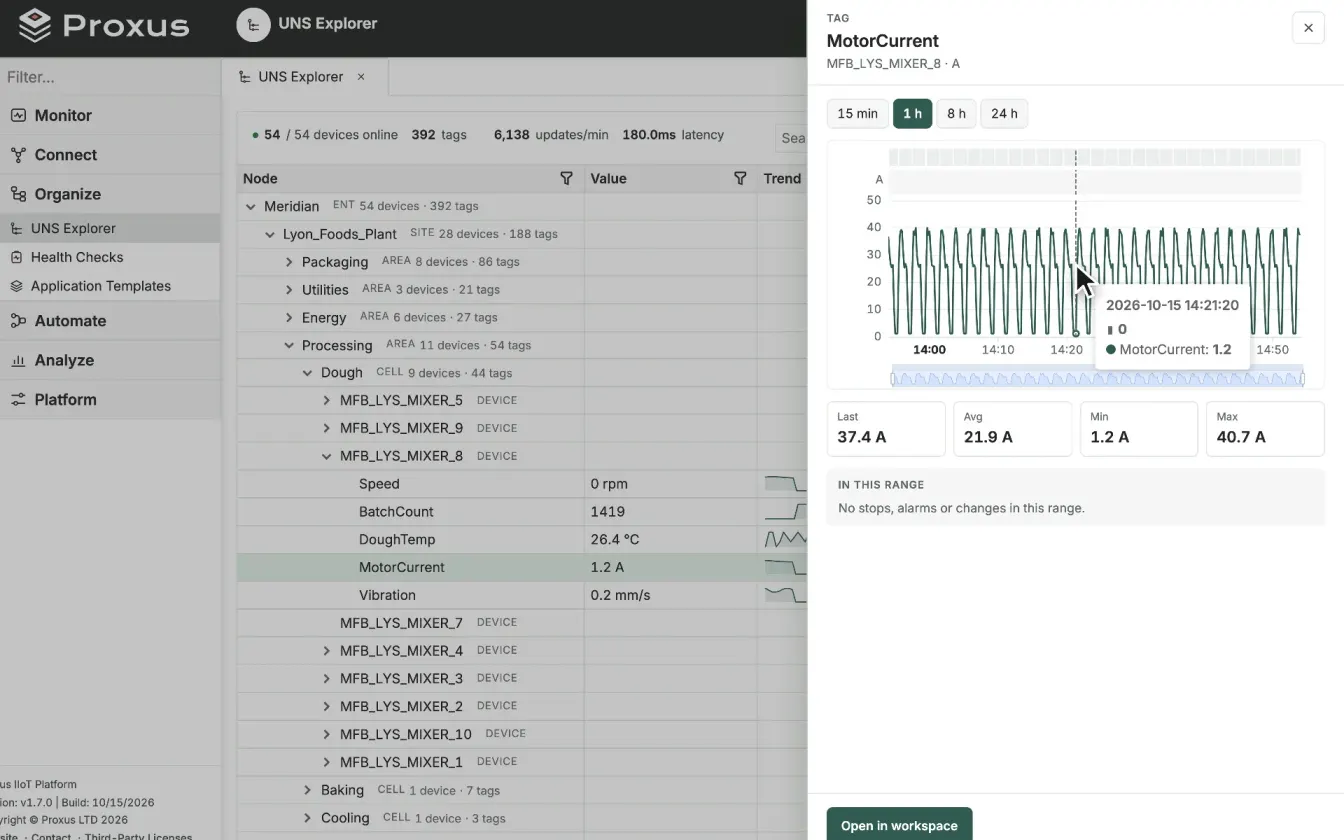
- Alert on silence. A rule that detects a flatline or a gap in a signal catches problems that thresholds never will, because a missing value never crosses a threshold. Proxus anomaly rules include flatline and gap detection for this reason.
Test the whole path
Write the test down and run it before go-live and after every major change.
Short outage
Disconnect the edge from the centre for longer than one read interval but well within retention, for example 15 minutes. Reconnect. Check that the historian has no gap, that values carry their original times, and that the backlog drained.
Long outage
Disconnect for a period close to your intended retention on a test system. Check the buffer's disk usage against your sizing, the drain time over the real link, and the behaviour of consumers during the burst.
Retention overflow
On a test system, exceed the retention. Confirm that the oldest data is dropped (not the newest), that the system tells you it happened, and that the edge keeps working.
Target failure
Stop one outbound target (a database or a broker) while the central link stays up. Check that the target's queue grows, that its status shows the waiting count, and that other targets are unaffected.
Edge restart during an outage
Restart the edge device while it is disconnected. Check that the buffer survived the restart. This is the test that catches memory-only buffers.
Backfill
Import a known historical range into a gap, then import it again. Check that the data appears once, with the right times, and that dependent reports change as expected.
Checklist
- You have decided where history lives (edge, centre or both) and what a site must still see during an outage.
- The buffer is on disk, keeps original timestamps, delivers in order and removes data only after acknowledgement.
- Retention is sized from a measured data rate and bytes per value, for an outage window agreed with the site.
- Every outbound destination, not only the central link, is buffered or has a known loss policy.
- Consumers use payload timestamps, and writes are idempotent so duplicates are harmless.
- Backlog and last-seen time are monitored, and silence raises an alert.
- There is a written backfill procedure with idempotent batches and a record of what was backfilled.
- The outage tests above have been run and their results kept.
Further reading
- Store and forward in IIoT: the pattern in brief.
- Edge computing patterns: buffering alongside local decisions and fan-out.
- Smart filtering in edge computing: reading and sending less, and what that costs in detail.
- Running AVEVA PI System today? Proxus compared with AVEVA PI System explains how an operations historian and a collection and delivery layer divide the work, and how the two coexist.
- In the Proxus documentation: How data flows, Manage edge gateways, Outbound targets, Historical import and Gateway troubleshooting.