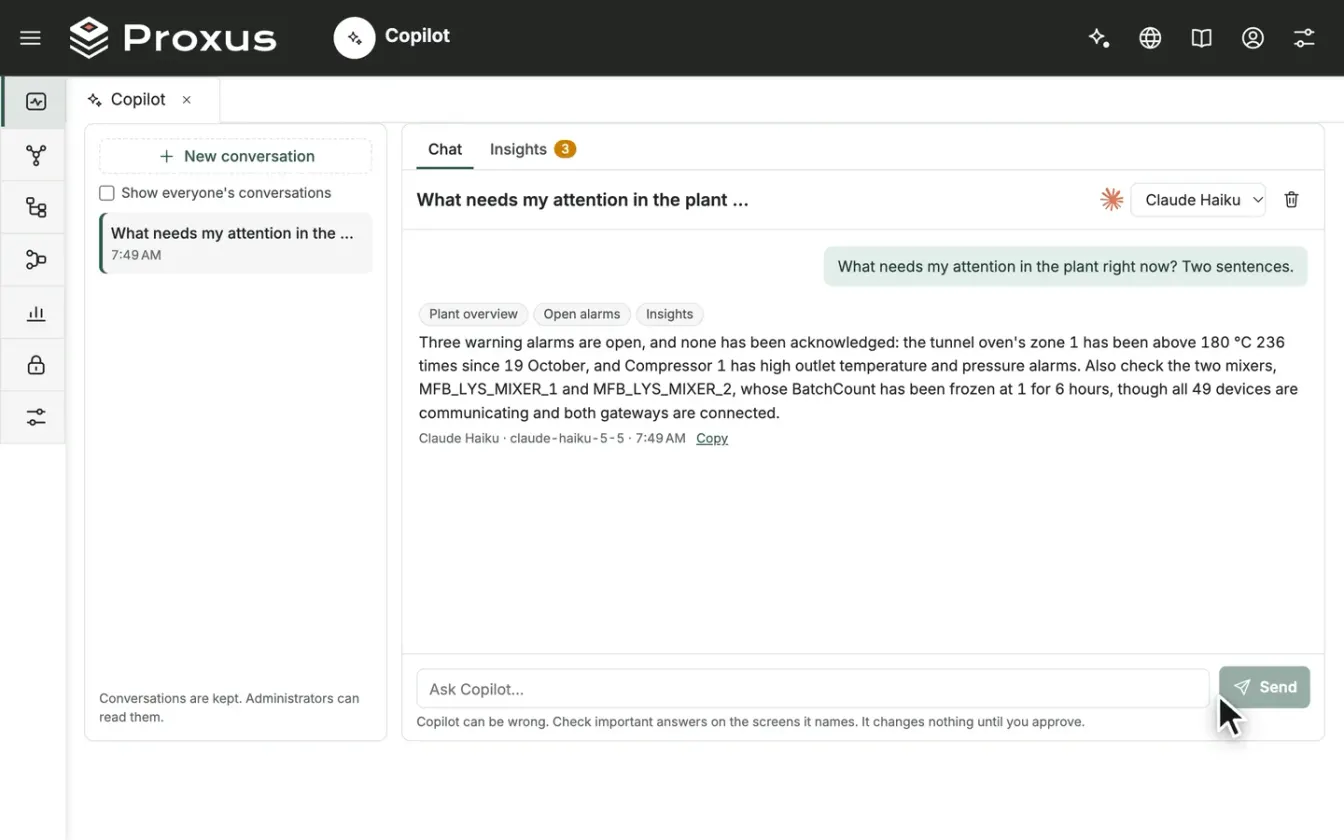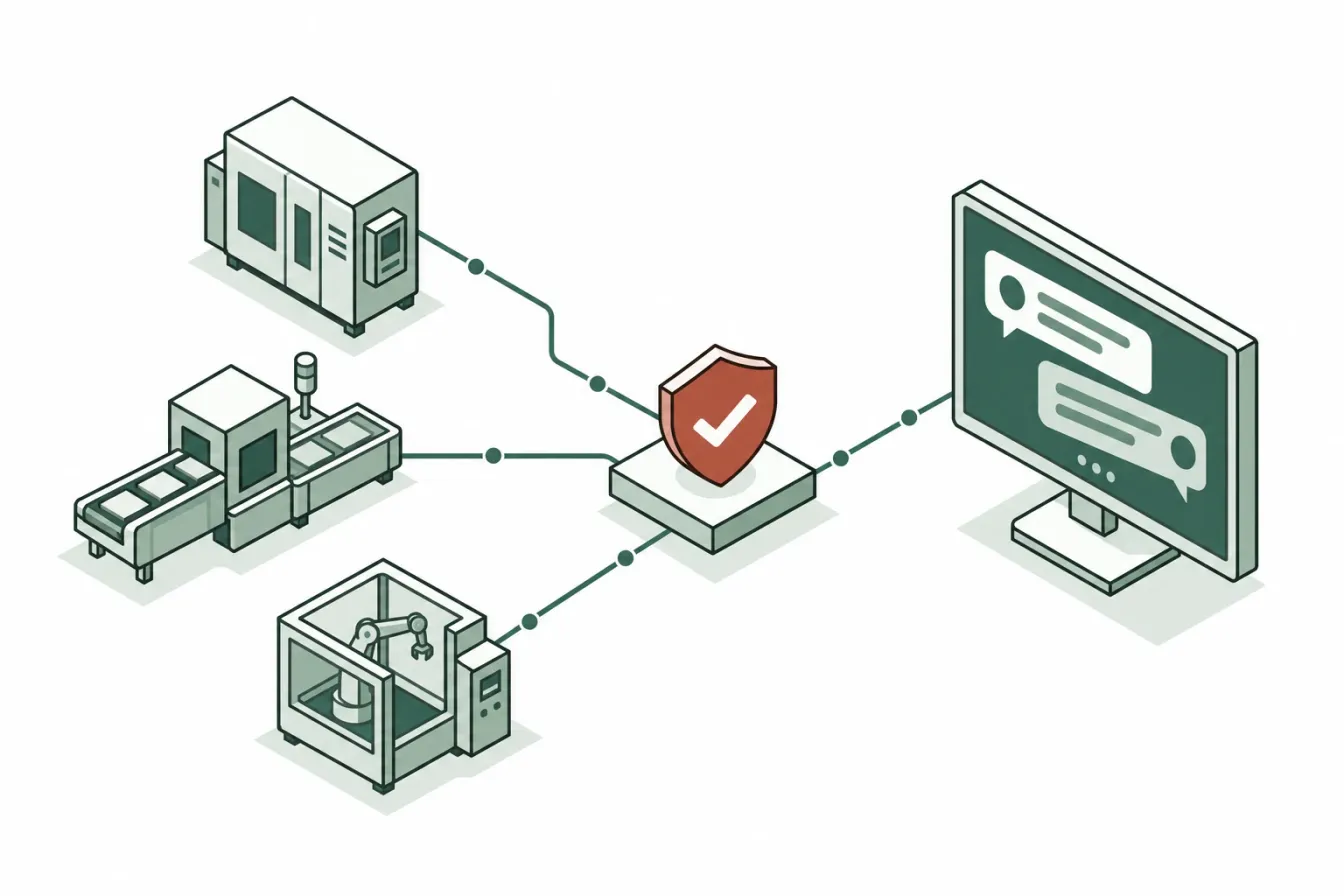
Plant engineers ask the same questions every shift. Which devices stopped sending data, and why? Which alarms are open and nobody has taken? What changed on this line last week? The answers are already in the platform, spread over a dozen screens. Copilot is the assistant built into the Proxus hub that goes and reads them for you.
This article describes what Copilot reads, who may use it and for what, how a change it prepares waits for a person's approval, what is recorded, and which AI services it can answer with, including a local model that keeps everything on site. For the product overview, see Copilot and AI access.
Where it lives
Copilot is in Monitor > Copilot, and on every screen as a side panel (the Copilot button at the top right, or Ctrl+K). The side panel knows the screen you are on: opened on a device's page, "this device" in your question means that device. Records also have an Ask Copilot menu with ready questions: Is something wrong?, What does it depend on, and what does it affect?, What changed in the last 7 days? and What is this screen for?
What it reads
Copilot answers from the hub, not from memory. For each question it reads what it needs, and the answer shows a label for every source it used. The sources include:
- the plant overview and the plant tree, devices and their latest tag values with quality and time, and the edge gateways with their connection state;
- open alarms, and alarm history up to 90 days back, with who acknowledged and resolved each one;
- tag history over a time range, as in the Trend Workspace;
- the records of any screen you can open (profiles, rules, pipelines, dashboards, reports, users, roles, certificates, settings), and how a record is wired: what it depends on and what uses its data;
- the Audit Trail, the configuration health checks and, for roles that may open them, the latest lines of the system logs;
- a device diagnosis that checks each link from the device to the hub and names the first one that fails;
- the product documentation, which ships with the hub and works without internet access.
Two rules bound all of this. First, Copilot reads with your permissions. If your role cannot see a device, Copilot cannot see it either, and a role limited to part of the plant limits Copilot the same way. Second, some things are never read: passwords, keys, tokens and other secrets, the licence details, raw telemetry rows, and the connection settings of profiles, channels and targets.
Copilot does not query the telemetry database with SQL and does not run reports. For periods longer than 90 days, the Trend Workspace is the tool.
Who may use it, and for what
Access is set per role, on the Copilot tab in Security > Roles. Copilot Access has four levels:
| Level | What Copilot may do for members of the role |
|---|---|
| No access | Nothing. The Copilot button and page are hidden. |
| Ask questions (the default) | Read and answer, with the user's permissions. |
| Ask and propose changes | Also prepare changes for the user to approve. |
| Ask, propose changes and run actions | Also press buttons for the user, such as publishing a pipeline or sending a test message. Each still needs the button's own capability and the user's approval. |
Each role also has a Copilot Daily Token Limit, and an AI service can be kept for some roles only with Allowed Roles. A user with several roles gets the most generous access among them.
Changes wait for a person
Copilot can prepare changes, but it never makes one on its own. Ask in plain words, for example "Disable Pump 2" or "Resolve alarm 1204, we replaced the sensor", and Copilot shows a proposal card under its answer. The card shows:
- what changes: each field with its value now and after the change;
- what depends on the record, when you switch it off or delete it;
- why it cannot be done, when your role does not allow it or a rule of the record is not met.
Only the person who asked can decide, once: Approve and apply (for a delete, Approve and delete) or Reject. When you approve, the change is made again with your permissions and the record's own rules, exactly as if you had saved it on its screen. If the record changed after Copilot proposed, nothing is written and the card says so.
Some changes ask for a second confirmation: deletes, switching off a record that something depends on, five or more records at once, and anything that touches who may do what or the whole platform. Applied changes that created or changed records have an Undo button; deletes and alarm decisions cannot be undone, and the card says so before you approve. A proposal nobody approved within 24 hours expires, because the plant may have changed since.
Copilot never sets passwords, keys or other secrets, and never changes an administrator, an administrator role or your own account.
Within those limits it can do real work: acknowledge or resolve alarms, change many records of one kind on one card, try an alarm rule on the last hours of stored data before proposing it, add a machine through the device wizard's own steps, or build a pipeline as a draft that you then publish.
What is recorded
The Audit Trail records each approved change under the name of the person who approved it, with "Copilot" and the conversation number as its source. A change made through Copilot is therefore traceable in the same place as a change made on the screen.
Conversations are stored in the hub until someone deletes them: the questions, the answers, the name of each source Copilot used, each proposal with its decision, and any error. The plant data Copilot read is not stored. Only you can continue or delete your own conversations; administrators can read every conversation with Show everyone's conversations, and Copilot shows this note next to the list.
Which AI service answers
Copilot needs an AI service before it can answer. An administrator adds one or more in Platform > Copilot Settings:
| Service | Sign-in |
|---|---|
| Anthropic Claude | API key |
| OpenAI | API key |
| Azure OpenAI | API key, cloud identity or service credential |
| Claude on Amazon Bedrock | Cloud identity, API key or service credential |
| Claude on Google Vertex AI | Cloud identity or service credential |
| Ollama (local) | None: an Ollama server the hub can reach, with a model pulled |
Keys and secrets are encrypted with the platform key as soon as they are saved and are never shown again. Each service can have prices and a Monthly Budget; at 100 percent the service stops answering until the next month. Platform > Copilot Usage shows answers, tokens and estimated cost per service and per user.
What reaches the AI service
For each question, the hub sends the question, the earlier questions and answers of the conversation, and the plant data Copilot read to answer it: device names and states, latest tag values, alarms and configuration findings. Only data the asking user may read is sent.
Where that data goes depends on the service you choose:
- With Ollama (local), the model runs on a server you operate, and nothing leaves the site.
- With Amazon Bedrock, Google Vertex AI or Azure OpenAI, the data stays in your own cloud account.
- With Anthropic Claude or OpenAI, it goes to that provider's API, and the hub needs outbound HTTPS access to it.
The background checks behind the Insights tab (noisy alarms, unowned alarms, unstable links, expiring certificates, frozen or unusual values) are fixed rules. They use no AI service, and no data leaves the hub until someone selects Ask Copilot on an insight.
Copilot and MCP
Copilot is one way to put an AI model in front of plant data. The other is the Proxus MCP server, which lets your own assistants and agents use governed tools under the same user permissions and audit. The difference is where the model comes from: an MCP client brings its own, while Copilot uses the service an administrator configured. What is Model Context Protocol (MCP) in manufacturing? covers that path.
The limits worth knowing
Copilot can be wrong. Check an important answer on the screen it names, and read a proposal before you approve it. It keeps its reads short so that answers stay fast and cheap: 16 reads per answer, 100 devices per list, 90 days of history and the last 40 messages of a conversation. Device names, alarm texts and other plant data are treated as data, and Copilot does not follow instructions written inside them.
The full reference is in Copilot and Set up Copilot.