Industrial data governance: Who sees what, and who changed what, is always known.
Permissions by plant, line and machine. A record of every change. A trial run before anything goes live. Approval for every AI proposal. All of it is part of Proxus; no separate product is needed.
Trusted byIn production at Siemens, MEXT, Kaltun, PilenpakSee deployments





In the product
Four controls, under every job.
The Lyon team sees Lyon, not Rotterdam
Allow or deny a role a path in the plant tree: a site, a line, a machine, even a single tag. The same rule holds in dashboards, reports, alarms and the AI Assistant.
- Deny wins over allow
- Who builds does not put it live: that is a separate capability

Who changed what, and from what to what
Every saved configuration change is written to the audit trail: a new device, a changed address, a deleted rule, a role that got a new permission.
- Old and new value side by side
- Kept until you delete them, and part of every backup
Try it on real data before it goes live
A pipeline is published in Shadow first: the gateway runs it on real data and records what it would do, without changing data, opening alarms or writing to devices.
- Each publish is a numbered revision you can compare
- Rollback publishes an earlier revision again
The assistant proposes, you approve
A change the AI Assistant proposes arrives as a card with every field it would set. Nothing is applied until you approve.
- The assistant sees only what the asking user may see
- An approved change is in the audit trail under your name
Real Proxus screens; the machine data shown is simulated.
Want to see it with your own sites and roles? Plan your access model
What it solves
What teams run into without it.
-
Everyone sees every plant
Once the data is in one place, drawing a line per site becomes a project of its own.
-
Nobody knows who changed it
An address or a threshold changes, and finding who did it and when takes days.
-
Changes go live untried
A new rule is tried on production itself, and its mistake is found at the line.
-
AI holds a database password
The assistant reads everything and can write anything; it has no boundary.
Technical details The facts, every capability and what it adds up to in daily work
- Access
- Built-in roles, and allow or deny rules on paths of the plant tree
- Change record
- Every saved configuration change, with user, time, field, old and new value
- Going live
- Pipelines publish in Shadow first; each publish is a numbered revision
- AI
- Changes arrive as proposal cards and are made only after approval
What you get
Built in, not bolted on.
-
Built-in roles
Viewer, Operator, Analyst, Engineer, Commissioning Engineer, IT Administrator, Auditor and Integration come with the hub. Give people one, combine several, or copy one and change it.
-
Capabilities beyond the record
Writing to devices, deploying function code and changing the platform each need a capability of their own. A button the role has no capability for is hidden, and refused over the API and the AI Assistant.
-
Sign-in with your directory
Active Directory or LDAP, Keycloak, and single sign-on with any OpenID Connect provider; a code from an authenticator app can be required after the password.
-
Where a change came from
Each audit entry names its source: a browser session with its address, the REST API, or a background task. Changes made by AI agents over MCP arrive through the API.
-
Revisions and rollback
Every publish of a pipeline is a numbered revision with its mode, its time and who published it. Rollback publishes an earlier revision again.
-
AI under the same rules
The AI Assistant reads with the asking user’s role and plant paths. MCP can be switched off, restricted to administrators, limited to read methods and rate-limited.
From the field
Proxus runs in production at these plants.
-
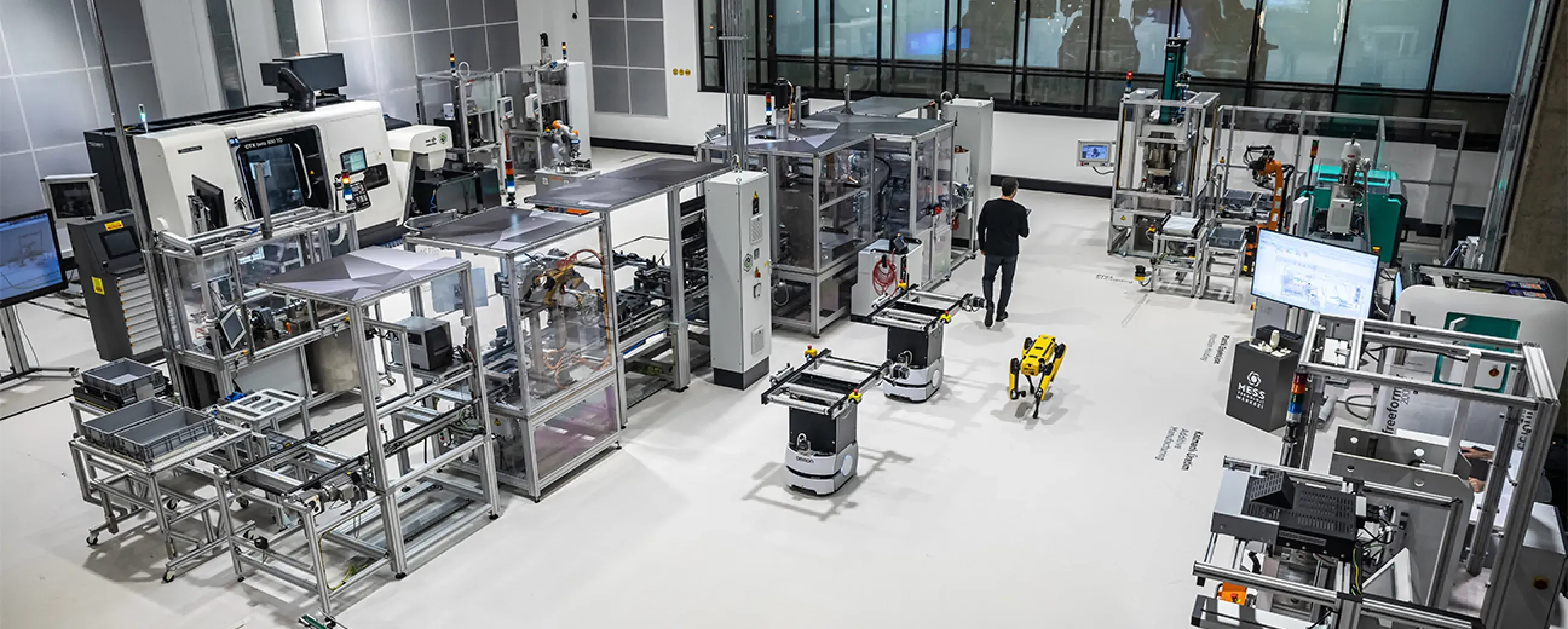
-

Siemens
Edge deployment with SAP integration
Manufacturing
-

Pilenpak
Unified Namespace with Oracle ERP
Manufacturing
-
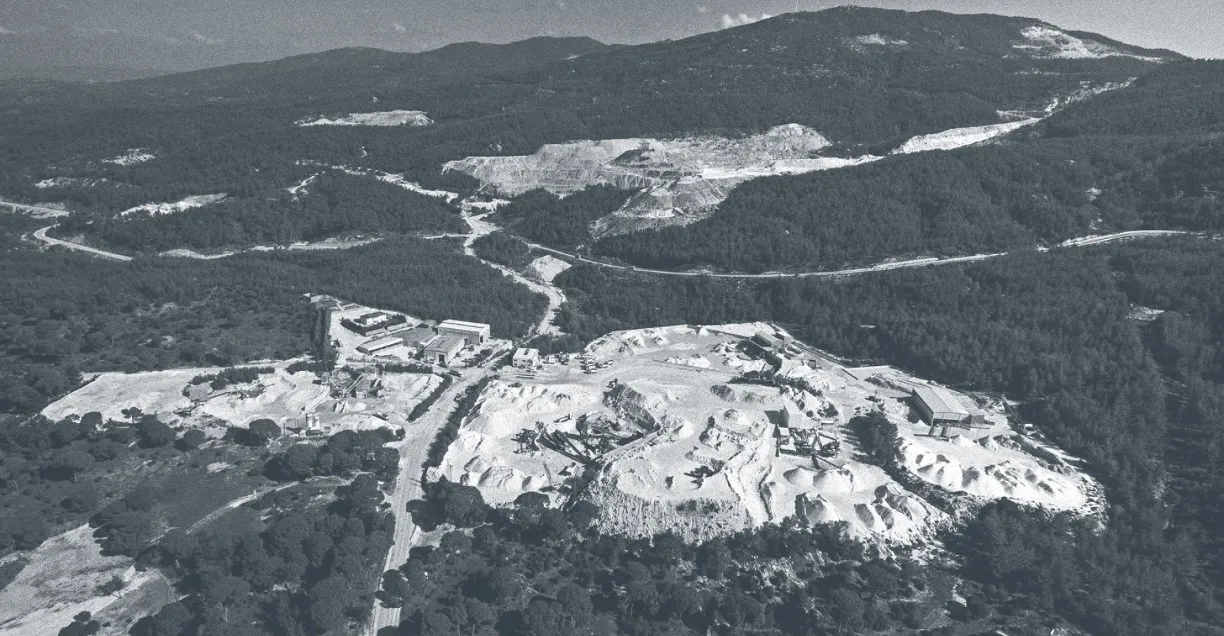
Kaltun Mining
Mining, fleet and solar on one platform
Mining & energy
Plan your access model
How many sites, and who should see what?
Tell us your sites and the teams that need their own view. An engineer replies within one working day, and the demo is set up with your structure.
Can people sign in with our Active Directory accounts?
Yes. People sign in with their Active Directory or LDAP user name and password, and their directory groups give their Proxus roles. Keycloak, Microsoft Entra ID, Okta or any OpenID Connect provider can be used for single sign-on. Sign-in methods
How long are audit records kept?
Until you delete them; no setting removes old ones. They are stored in the configuration database, so they are part of every database backup. Audit trail
Is there a read-only role for an auditor?
Yes. The built-in Auditor role reads everything, the audit trail included, and changes nothing. Users and roles
Do the permissions also hold for the API and MCP?
Yes. AI agents on the MCP server get no devices or values outside the role’s allowed paths, free SQL is closed to a role limited to a site, and an action the role has no capability for is refused when it is called through the API or the AI Assistant. UNS permissions