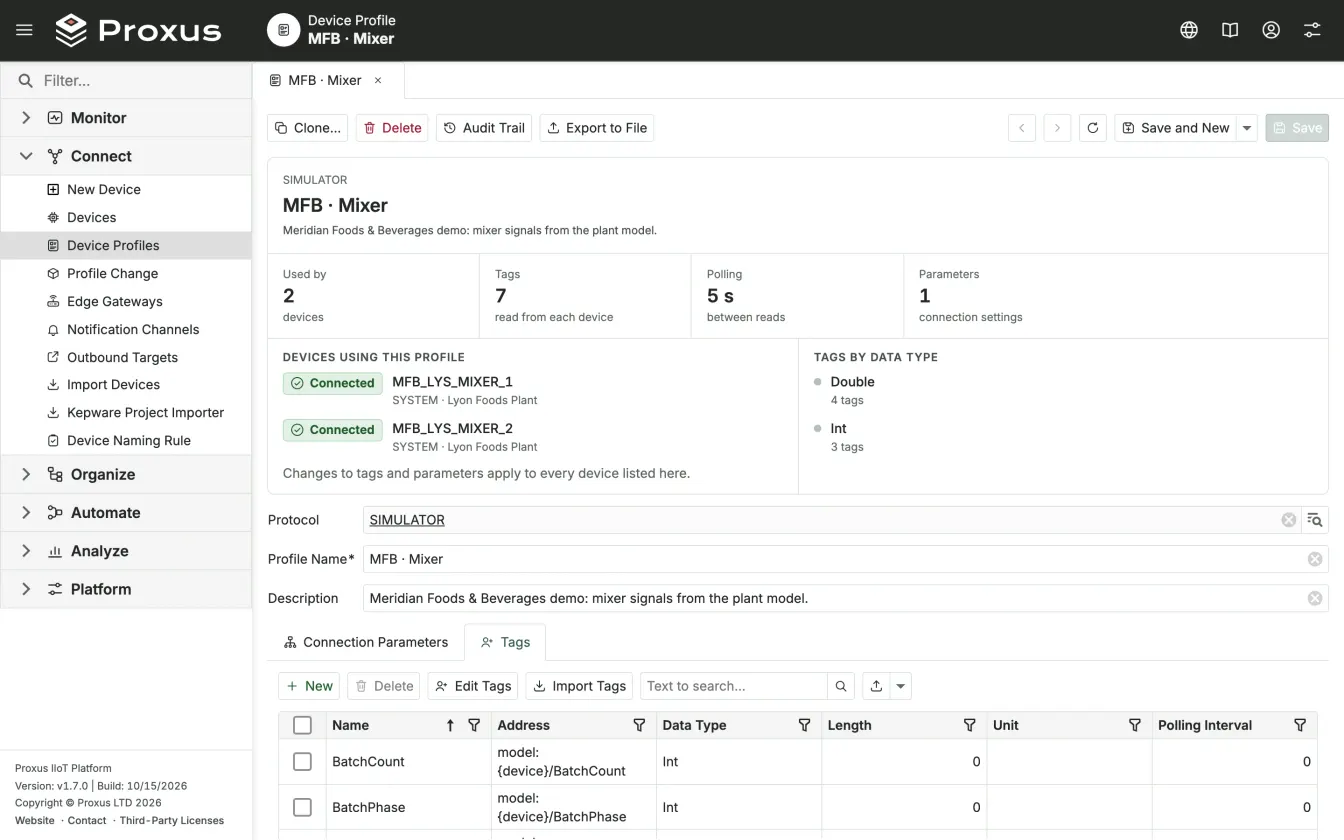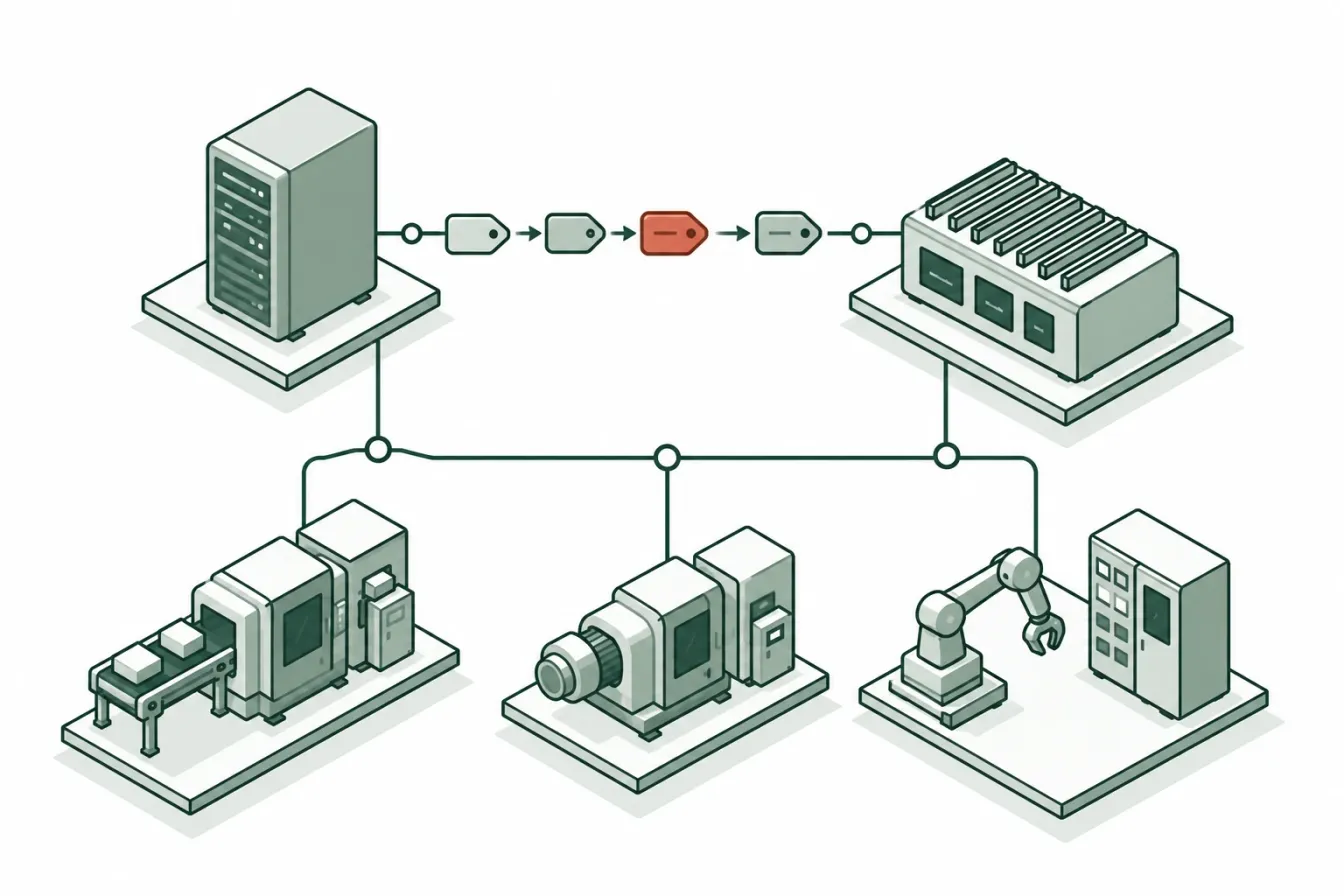
Many plants that look at Proxus already run Kepware. It reads the controllers, the tags have names, and the systems above it are wired to those names. Replacing all of that over one weekend is a bad idea, and nobody has to. This article describes a slower path: put Proxus next to Kepware first, then move devices over line by line, with a check before each step and a way back.
It covers what the Kepware importer in Proxus converts and what it leaves alone, how the two products run side by side over OPC UA, and what to check before you move a line. For the wider comparison of the two products, see Proxus and Kepware.
Two ways to work with Kepware
There are two arrangements, and most migrations use both at the same time.
- Kepware stays the driver layer. Proxus connects to the Kepware server as an OPC UA client and reads its tags like those of any other OPC UA device. Nothing changes on the Kepware side or at the controllers. Proxus adds what sits above the driver: the Unified Namespace, history, rules, dashboards and delivery to other systems.
- Proxus reads the controller directly. The importer takes channels, devices and tags from the Kepware project and creates native Proxus devices for them. An edge gateway then reads those devices from the machines themselves.
The first arrangement is where you start. The second is how a line moves over. A device whose driver the importer does not convert stays on the first arrangement for as long as you need it.
What the importer converts
The importer is in Connect > Kepware Project Importer. It reads the project from a running Kepware server through Kepware's Configuration API (port 57512 by default, over HTTPS), with a user name and password for that API. It does not open saved project files (.opf or .json), and it changes nothing on the Kepware side.
It converts three kinds of channel:
| Kepware driver | Becomes in Proxus |
|---|---|
| A Siemens driver | Siemens S7-200, S7-300, S7-400, S7-1200 or S7-1500, from the device model. S7-200 SMART is recognised by its model name; a device without a model becomes S7-1500. |
| A Modbus Ethernet driver | Modbus TCP |
| The OPC UA client driver | OPC UA |
Every other driver, the Siemens NetLink models and Modbus serial channels are listed in the project tree but cannot be selected. They are not converted into something that only looks right.
The wizard has four steps:
- Connect. Host, port, HTTPS or HTTP, and the API credentials. Test connection shows the project name and how many channels, devices and tags it holds.
- Select. The channels and their devices as a tree, each line with the Proxus driver it becomes and its number of tags. Lines the importer cannot convert are marked Not supported.
- Review. The importer reads every selected tag and checks its address and data type. Nothing is written yet. You see the new devices, the devices that will be updated (a device with the same name already exists in Proxus), errors that stop the import and warnings that do not. Here you also choose the edge gateway that will read the devices.
- Import. A progress bar and a log show each device as it is created or updated. When it ends, Open devices takes you to them.
What the conversion does with your project
- Each Kepware device becomes one device profile and one device, both named
Kepware_<channel>_<device>. Tag groups are flattened; each tag keeps its Kepware name. - Addresses are converted to the form Proxus reads. A Modbus
400001, for example, becomesx=3;0. - The connection settings come with the device: address, port, unit ID and byte order for Modbus; rack, slot and timeouts for Siemens; endpoint and security for OPC UA.
- The profile's polling interval is the scan rate most tags of the device use. A tag with another scan rate keeps its own.
- Importing again updates the same devices in place: profiles and devices are matched by name, tags by address. You can change something in Kepware and run the import again.
What still needs a person
The review step lists these as warnings. Read them before you select Import.
- Passwords. Kepware does not export them. An OPC UA device that signs in with a user name arrives without its password. Enter it in the profile's Connection Parameters, or the device cannot connect.
- BCD and LBCD tags arrive as UShort and UInt: the raw register value, not decoded, because Proxus has no BCD type.
- Char, arrays and unknown types arrive as text or bytes, each with a warning.
- Errors, such as an address the importer cannot convert, stop the import. Leave that device out, or fix it in Kepware first.
The full reference, with the data type table, is in Import from Kepware.
Running both side by side
Before you move a single device, connect Proxus to the Kepware server over OPC UA. Add the server as an OPC UA device on an edge gateway that can reach it. The wizard finds the server, lists its endpoints with their security, and lets you browse the address space and tick the tags to read (see OPC UA devices). Two practical points:
- Use security. Choose Sign & encrypt, or at least Sign. Trust goes both ways: the gateway trusts the Kepware server's certificate, which is recorded in the Proxus Certificate Store, and the Kepware server has to trust the gateway's certificate in its own settings. Each gateway has its own OPC UA certificate.
- Set the read interval. Proxus reads all tags of a device together, once per Read every interval. It does not use OPC UA subscriptions, so choose the interval by how fresh the values have to be.
From then on, values from Kepware take the same path as values from any other device: they are placed in the Unified Namespace, kept in the historian, used by rules, pipelines and dashboards, and delivered to the outbound targets. The systems that read Kepware today keep reading it.
Moving one line
When a line is ready, import its devices and let Proxus read the controllers directly. A sequence that keeps a way back:
- Import the line's channels and choose the edge gateway that will read them. That gateway must reach the same machines that Kepware reads.
- Compare the values. For a while the line is read twice: through Kepware over OPC UA, and directly by the gateway. Compare the two on the device page or in a trend before anything that consumes the data switches over.
- Point the consumers at the imported devices. Dashboards, rules, pipelines and outbound targets that used the Kepware tags move to the imported device.
- Stop reading the line through Kepware. Remove the line's tags from the OPC UA device in Proxus, then retire the channel in Kepware once nothing else reads it.
Until step 4, the Kepware path is still there if something is wrong.
What to check before you move a line
- Drivers. Is every channel on the line a Siemens, Modbus Ethernet or OPC UA client channel? Check the other controllers against the driver list. Proxus may read some of them natively even though the importer does not convert them; those you add with the device wizard. The rest stay on Kepware over OPC UA.
- Controller connections. While the line is read twice, the controller serves both Kepware and the Proxus gateway. Check that it accepts one more connection and that the extra polling load is acceptable.
- Network path. The gateway that reads the line needs a route to the controllers, not only to the Kepware server.
- Credentials. List the OPC UA devices that sign in with a user name. Their passwords have to be entered by hand.
- Data types. Note the BCD, LBCD, Char and array tags from the review warnings and decide how each one is handled.
- Consumers. List everything that reads the line's tags today, inside and outside Kepware, so nothing is left pointing at a channel you retire.
- Names. Imported devices are named
Kepware_<channel>_<device>. Decide on the names before consumers depend on them, and keep in mind that a later import matches devices by name.
Where Kepware should stay
Not every line has to move. If a controller needs a driver that Proxus does not have and the device cannot be replaced, Kepware is the right tool for it, and Proxus reads it over OPC UA. The same is true where a site needs nothing more than an OPC server. The comparison page lists these cases, and the driver pages show what Proxus reads natively, protocol by protocol: Siemens S7, Modbus and OPC UA among them.