Reference · for Engineers, Operators
Web Page
A dashboard item that shows a web page inside the dashboard, with a value from the data placed into its address.
The Web Page item shows a web page inside the dashboard. A value from the data can be placed into the page address, so the page changes with the data. Use it to show a work instruction, a machine manual or a wiki page next to the figures it explains.
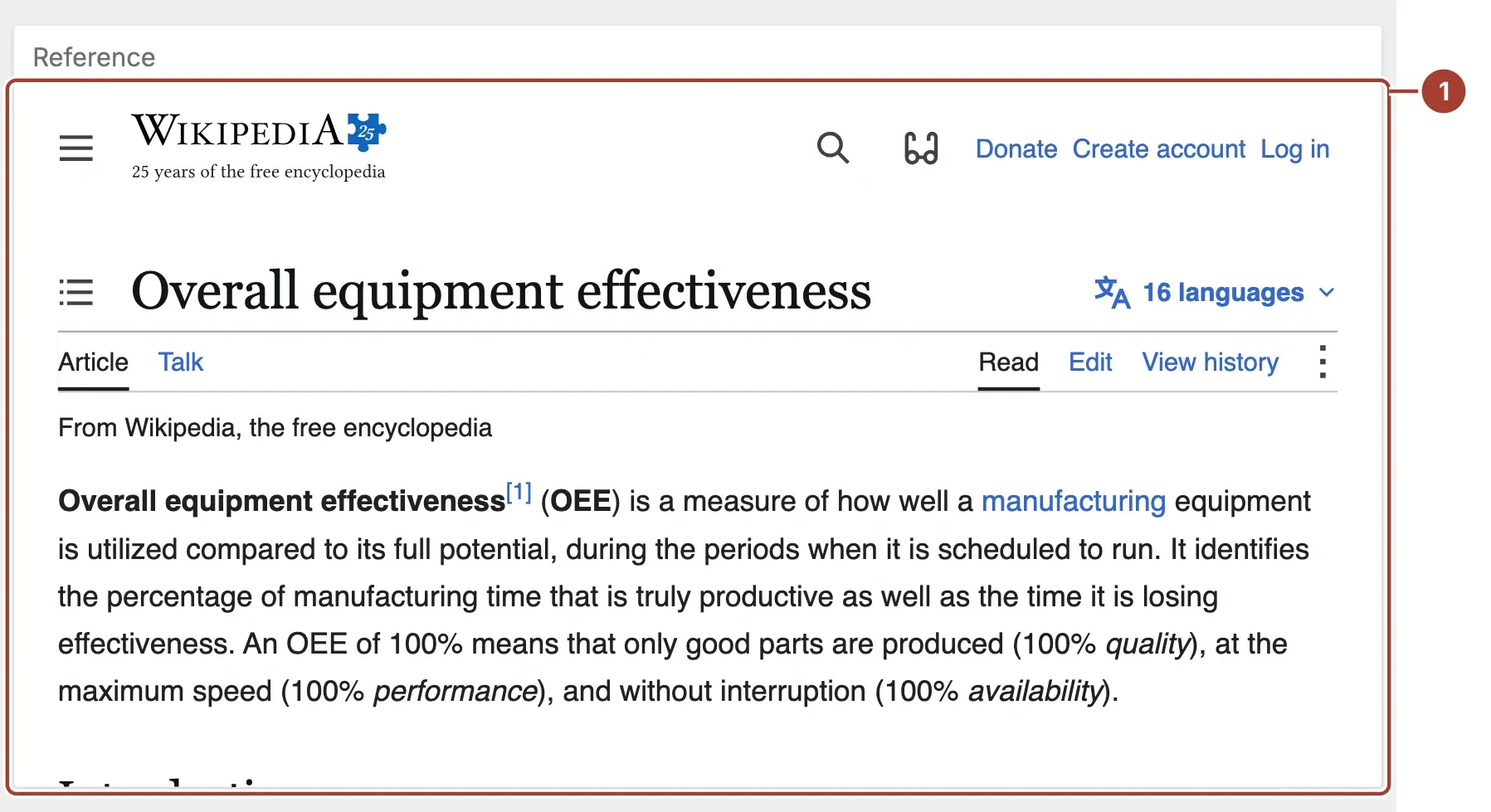
- Page. The web page at the address built from URL and the Attribute value. It fills the item, and you can scroll and follow links in it as in a browser.
Data fields
| Field | Kind |
|---|---|
| Attribute | Dimension |
Attribute is optional. The item takes its value from the first row of the data and places it into the address. When other items of the dashboard filter this one, the first row changes and the page follows: select a machine in a grid and the page opens that machine's document. Filter the data down to one value if you want to control which page opens.
Settings
| Setting | Values | Default |
|---|---|---|
| URL | Text | https://en.m.wikipedia.org/wiki/{0} |
- URL is the address of the page. Write
{0}where the Attribute value goes. The default,https://en.m.wikipedia.org/wiki/{0}, opens the Wikipedia article named by the value: with the valueOverall_equipment_effectivenessit openshttps://en.m.wikipedia.org/wiki/Overall_equipment_effectiveness. - The value is URL-encoded before it is placed into the address, so spaces and special characters are safe. Only the first
{0}is replaced. - Without an Attribute value, the item opens the URL as it is,
{0}included. Leave out{0}to show one fixed page. - Some sites do not allow themselves to be shown inside another page. Such a page stays blank in the item; this is a setting of that site, not of Proxus.
Related
Was this page helpful?
Evaluating Proxus? See it on your own machines in a 30-minute technical session.